
 Need help?
Do you have a question about the MUNIC C4D-4MUSAA V8 and is the answer not in the manual?
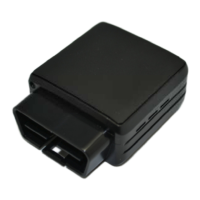
Identifies and illustrates the device's external connectors and LEDs.
Identifies and illustrates internal components like the SIM slot and battery.
Details the pin configuration and function of the OBD connector.
Describes the wire colors and their corresponding pin numbers for the OBD adapter.
Step-by-step guide on opening the device casing using screwdrivers.
Instructions for inserting the micro SIM card into its designated slot.
Guidance on correctly reassembling the device, checking card and port alignment.
Instructions for connecting the OBD Dongle to the vehicle's OBD connector.
 General
| Brand | MUNIC |
|---|---|
| Model | C4D-4MUSAA V8 |
| Category | Wireless Router |
| Language | English |

 To Next Page