5 / 8
1.2. Recommended operating environment
The recommended operating environment for running this software is described below.
Figure.1 Recommended operating environment
Windows7 Professional(32bit)
More than Intel Core i5 equivalent
1.3. Windows font size change
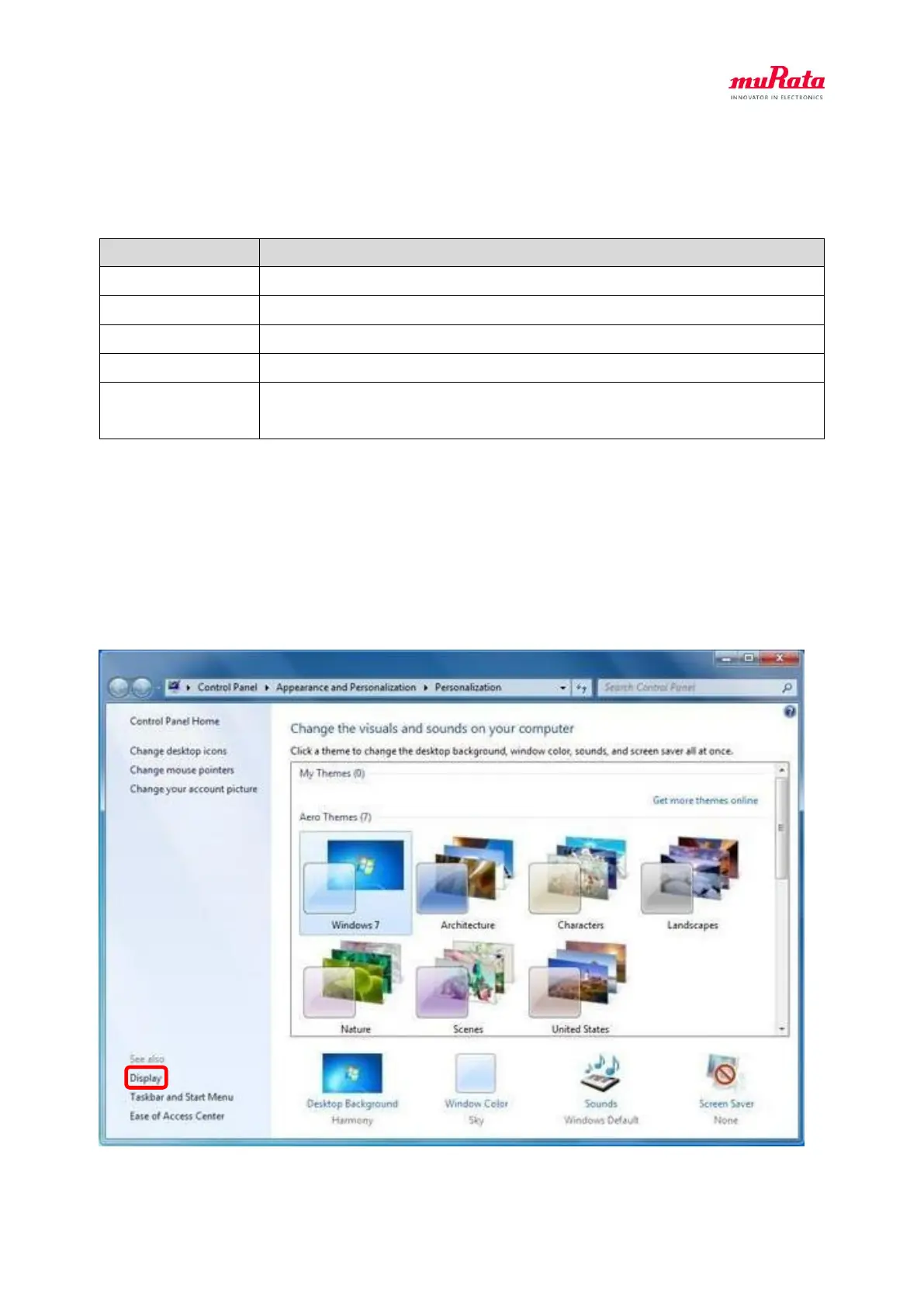
If the windows font size is not set to 96DPI, characters may be missing.
Please change the Windows font size by the following procedure.
① Right click the desktop and select “Personalize”.
② Click “Display”.



 To Next Page