Question: Why can't I weed the graphics after cutting?
Most likely, you haven't cut the vinyl deeply enough to cut through the face lm and adhesive. To
x this, adjust the pressure setting and perform a test cut. This can be done from the control panel
or from the LXi Production Manager. Weed the test pattern to make sure the vinyl's face lm and
adhesive have been cut, but that the release liner isn't scored too deeply. Adjust the pressure
setting as needed. Then proceed with your vinyl graphics.
Answer:
Question: What kind of maintenance does my Muse cutter need?
All Muse plotters are made with high-quality internal lubrication to protect all mechanical
components. Therefore, there is no need to oil or lubricate any of the components, ever! Daily care
consists of cleaning the platen and blade holder to prevent buildup of dust and vinyl debris.
Dusting the platen with a soft brush will get the job done perfectly. Vinyl debris in the blade
holder can be removed using a can of compressed air and a nozzle.
Answer:
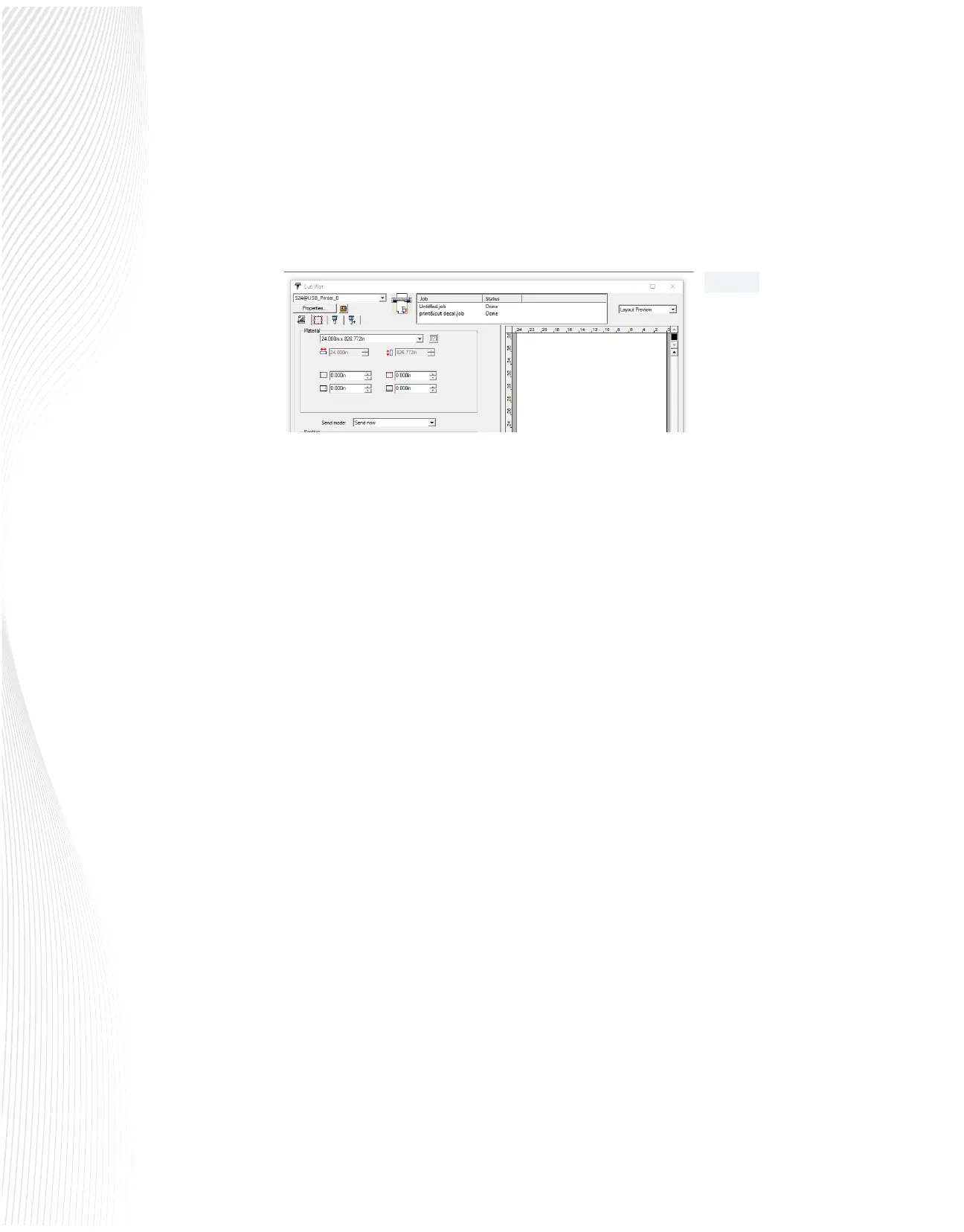
3. Check the settings in your LXi Production Manager and make sure the send mode window
is set to Send Now (Fig 5.8). If the setting is File or Hold in List, the data won’t be sent from
your computer to the vinyl cutter. If it is set to Hold in List, you will nd the jobs holding in
the cutter queue. Click on the job in the queue and use the File/Cut Plot command or click
the Send icon.
Fig. 5.8


 To Previous Page
 Loading...
