Need help?
Do you have a question about the Musicom Lab EFX MK-VI and is the answer not in the manual?
Key features of the EFX MK-VI audio controller.
Technical specifications of the EFX MK-VI audio controller.
Visual representation of the EFX MK-VI's signal flow and architecture.
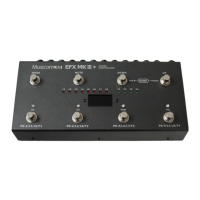
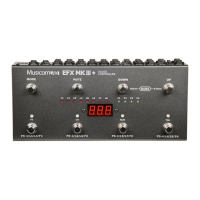
Description of the EFX MK-VI's front panel controls and layout.
Description of the EFX MK-VI's rear panel connections and ports.
Explanation of the EFX MK-VI's LCD display elements and indicators.
Details about characters displayed around the switches for context.
Steps for powering on the EFX MK-VI and initial system checks.
Explains preset selection, BPM change, and page navigation.
How to activate or deactivate the mute function for audio output.
Details on controlling individual audio loops (on/off).
Details on loops, volume controllers, and function switches.
Controls for input buffer, outputs, volume, and preset BPM.
Controls for output buffer on/off.
Overview of song and set creation and management.
Configuration options for presets.
Configuration options for songs and sets.
Configuration options for switch assignments.
Configuration options for naming presets, songs, etc.
Global settings for MIDI, Audio, and other functions.
Utility functions for data management and system info.
Procedure for updating the device's firmware.
Cable requirements for XPDL connections.
Cable requirements for function switch connections.
Example of a basic mono connection setup.
Example of a stereo connection with multiple stereo effects.
Example of a mono connection using 4CM.
MIDI messages for changing presets and songs.
Important safety warnings and precautions for using the device.
 General
| Brand | Musicom Lab |
|---|---|
| Model | EFX MK-VI |
| Category | Recording Equipment |
| Language | English |

 To Next Page