www.muzak.com Muzak Central Product Support 800 329.1179 (option #2)
REV 07.06.10
ISSUE: NO MUSIC
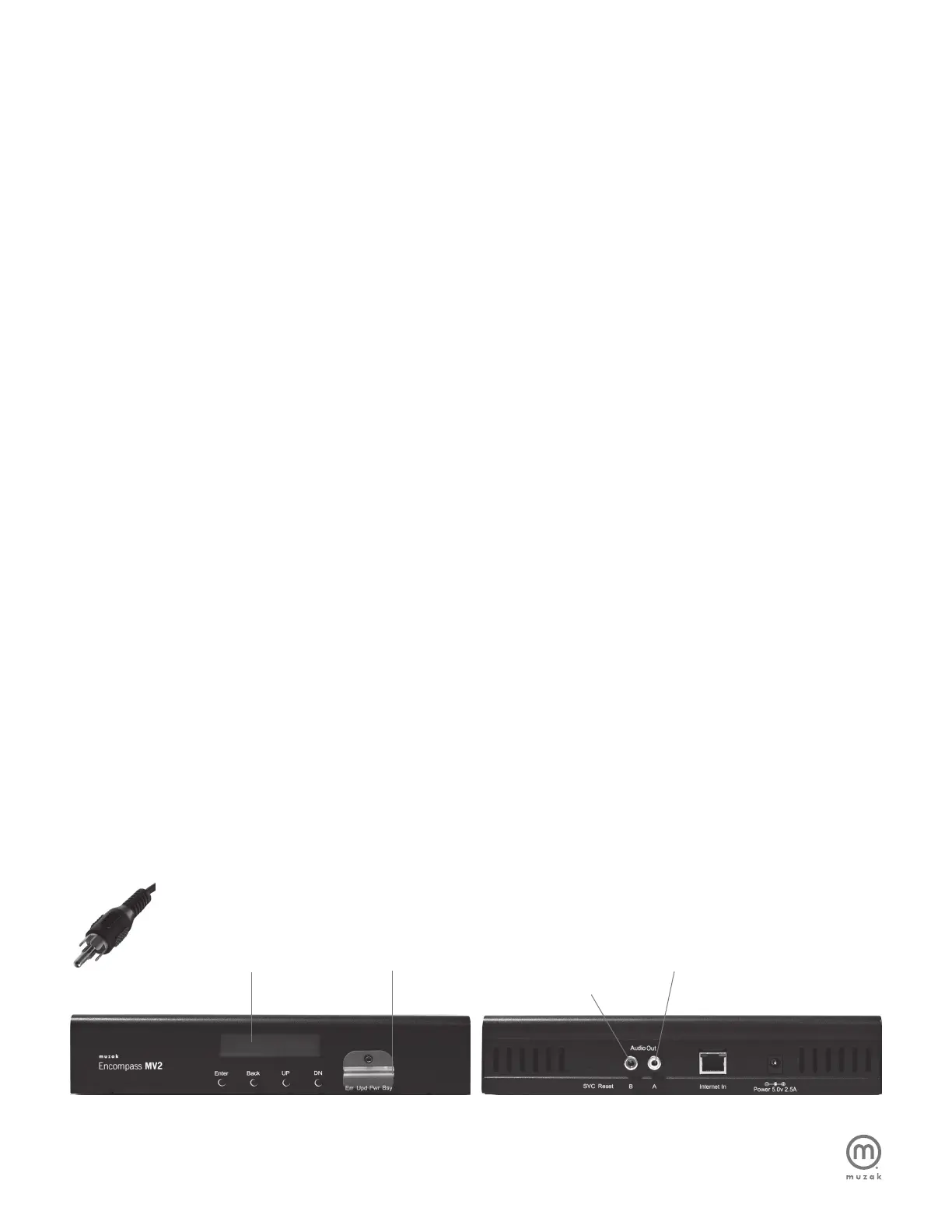
Check display on the Encompass MV2 for “Artist & Song Title”
• If no display – check power to Encompass MV2
• If “Initializing Device” is displayed – check for SD card,
re-insert it, and recycle power
• If “No Music Scheduled” is displayed
– If you manage your music online, refer to the Encompass MV
Control Site Instruction Manual to assure an active Music
Schedule is created. Otherwise,
– Contact Muzak Central Product Support at
800 329.1179 (option #2).
• If “Artist & Song Title” is displayed
– Check for power on amplifier
– Check audio cable between MV2 and amplifier
– Check volume settings on amplifier
– Check volume setting on the MV2 unit
+ Press ENTER
+ Press DN until “View/Changes Settings Menu” is displayed
+ Press ENTER
+ Press DN until “Adjust Volume Menu” is displayed
+ Press UP or DN to adjust volume (0-30)
+ Press ENTER to save settings
NOTE: Firmware Updates – Periodically, for audio and security
enhancements, the Encompass MV2 will require firmware updates
(in addition to regular content updates). Firmware updates are
made available to the MV2 device in the same manner as content
updates, during the automatic communications with Muzak serv-
ers. Firmware updates are infrequent, however they will require the
MV2 device to restart. The restart process takes approximately 30
seconds, during which time there will be no audio play. After
approximately 30 seconds, audio play will resume.
WARNING: To reduce the risk of fire or electric shock, do
not expose this unit to rain or other forms of moisture!
CAUTION: To ensure safety and regulatory compliance, use
only the provided power supply, power and interface cables.
CAUTION: To prevent electric shock due to exposure of blades,
do not connect the polarized plug of the external power supply to
an extension cord, receptacle or other outlet unless the blades
can be fully inserted.
4
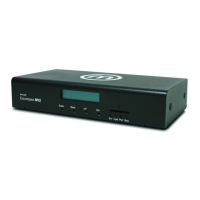
Encompass MV2 Troubleshooting
Display
Front Back
B: RCA audio out for On-Hold or
In-Store Music / Messaging
PIC 1
SD Card A: RCA audio out for In-store music


 To Previous Page
 Loading...