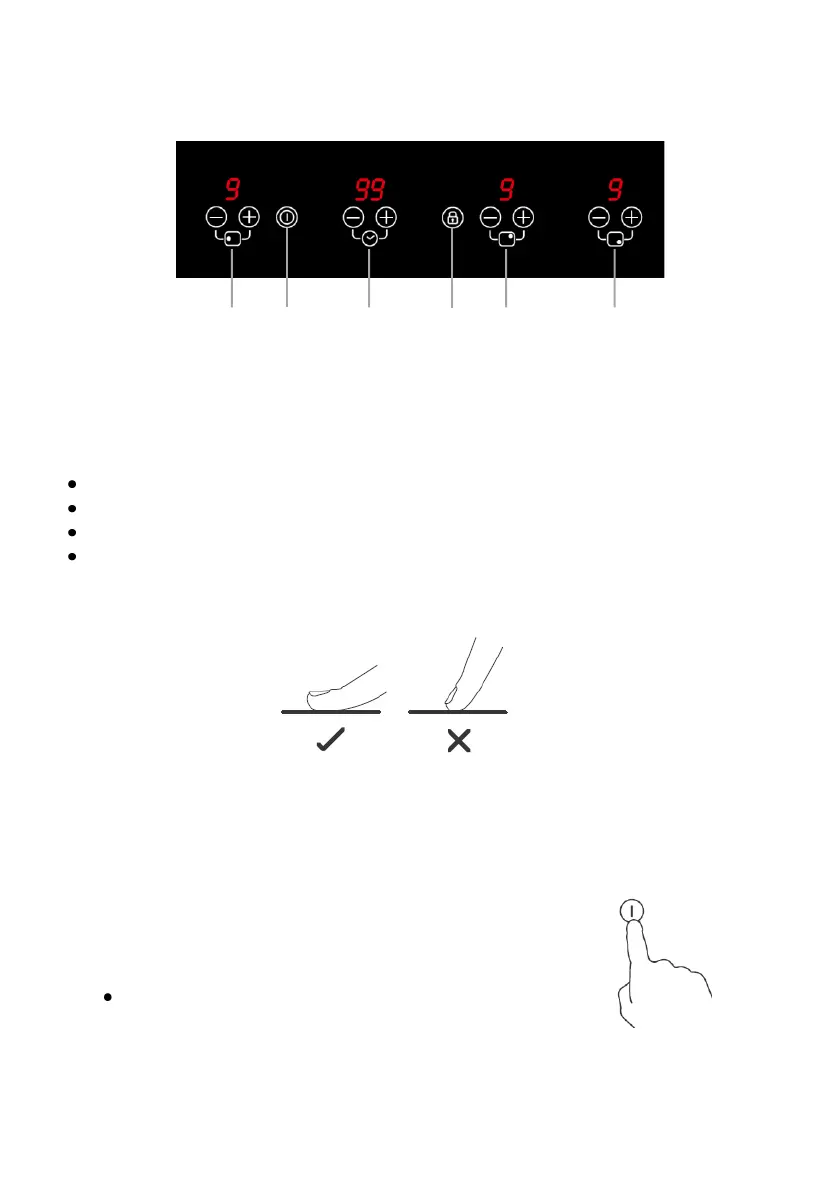
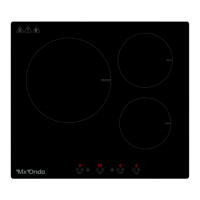
CONTROL PANEL
1. Large cooking zone control
2. Power on and off
3. Timer
4. Control panel lock
5. Control medium cooking zone
6. Small cooking zone control
USING THE TOUCH CONTROLS
The controls are responsive to touch, so no pressure is required.
Use the entire part of the fingertip, not the tip.
You will hear a beep each time a touch is detected.
Make sure the controls are always clean, dry and that there are no objects
(for example, a utensil or cloth) covering them. Even a thin layer of water
can make the controls difficult to operate.
USING THE INDUCTION COOKER
To start cooking
1. Touch the on / off button 2.
When the hob is turned on, an acoustic warning will
sound and the displays will show the indications " 0 "
and " - - ", warning that the hob is on and in the
standby or standby state.
If you do not turn on a cooking zone after 30
seconds, the induction hob will automatically turn
off.


 To Next Page