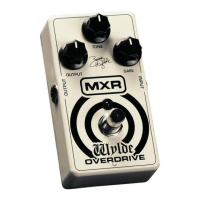
To begin using your MXR Wylde Overdrive, run a cable from your guitar to the Wylde
Overdrive’s input jack and run another cable from the Wylde Overdrive’s output jack to
your amplifier. For starters, set all of the Wylde Overdrive’s controls to their 12 o’clock
position and turn the effect on by hitting the footswitch (red LED on). Now dial in as
much distortion as you want with the Gain knob. Once you’ve set the amount of
distortion to your liking, you can modify the sound with the Tone knob. Check out the
sample settings in this manual for some of the many great sounds the Wylde Overdrive is
capable of.
Sample settings
Zakk rhythm crunch
Zakk solo tone
Zakk harmonic squeal
Blues grind


 To Previous Page