myFirst Circle
Download
Visit the App Store and Google Play Store to search
for and download our app 'myFirst Circle.' This will
enable you to eortlessly experience our services
and features.
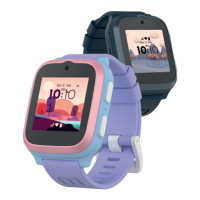
To power on your myFirst Fone, simply press and
hold the power button for 3 seconds. The device
will start up and initiate a network search. Once it
successfully connects to the network, it will display
the binding QR code.
NOTE: If your smartwatch indicates that it cannot
connect to the network, kindly get in touch with our
customer service.
support@myfirst.tech
3
sec
EN


 To Next Page