On Windows, the Myo Trainer is launched by running the MyoTrainer.exe file. If you encounter an
error launching the trainer, you may need to first install the .NET Framework. You can find an
installer for the .NET framework in the drivers/ directory of the SDK.
On Mac OS X, the Myo Trainer is launched by running the myo-trainer application at the root of
the SDK.
The trainer itself is intended to be self explanatory and will guide you through the training process.
Before you train for the first time, we strongly recommend you watch the How To Train Your
Myo video found on the Myo developer website.
Note
If you are using Windows and have more than one Myo armband, see Using
MYO_PAIR_WITH_MAC on how to choose the Myo armband that you train.
Running The Samples
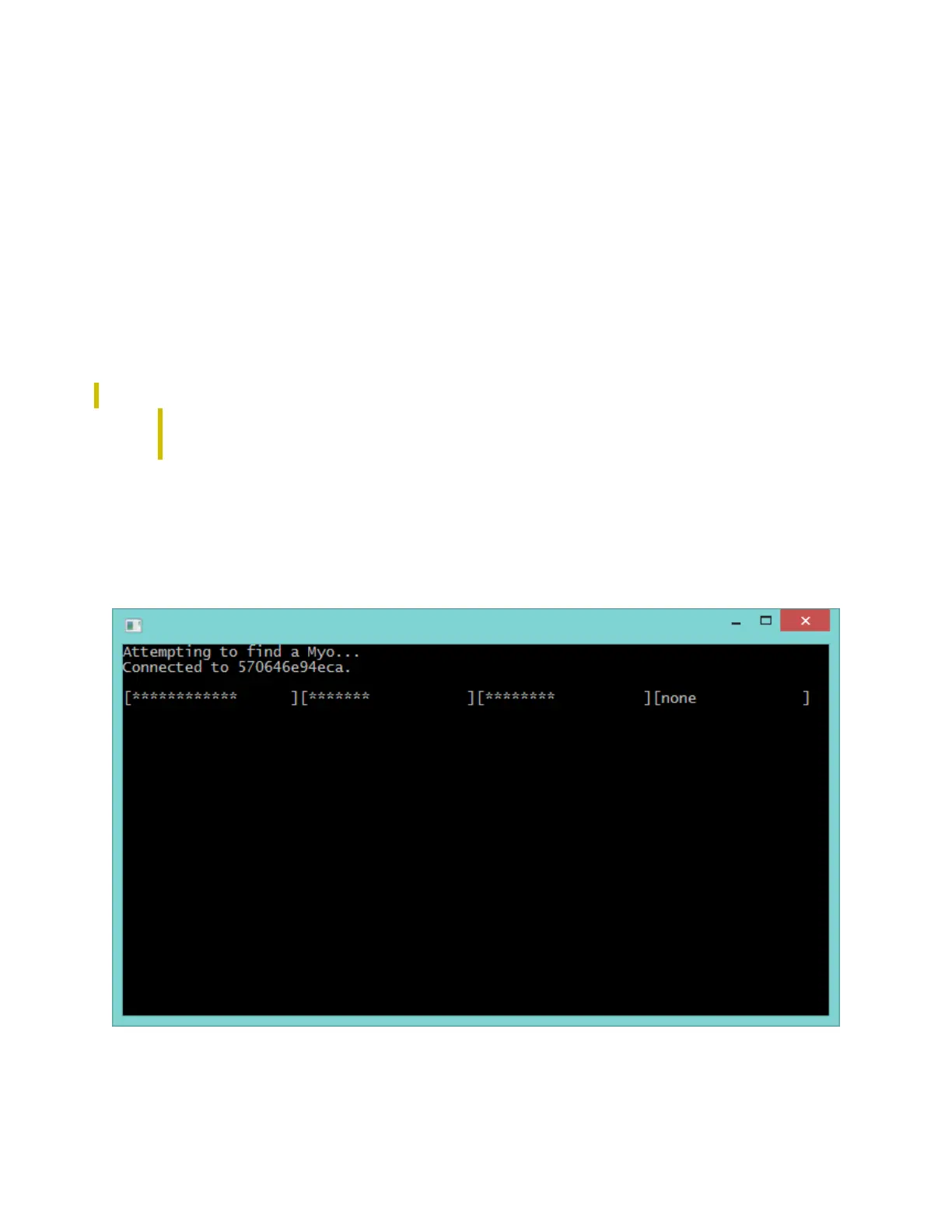
With training complete, you're ready to run any Myo application. Start by opening the hello-
myo application found in the bin/directory of the SDK.
The hello-myo application is a basic console application that demonstrates Myo's orientation, pose
recognition, and vibration functionality. The first three bars in the application show Myo's orientation



 To Next Page