Need help?
Do you have a question about the Myryad Z140 and is the answer not in the manual?
Provides essential guidelines for safe installation and operation, including ventilation and hazard warnings.
Lists the accessories included with the Z140 Integrated Amplifier and Z160 Power Amplifier.
Details advanced system features like Start-on-Play, Start-on-Open, Intelligent Input Selection, and Mute/Pause Control.
Explains power-saving modes and automatic system wake-up functions for connected components.
Addresses common problems such as no sound, sound in one channel only, and loud buzz or hum.
Lists technical specifications for the Z140 Integrated Amplifier, including power output and dimensions.
Lists technical specifications for the Z160 Power Amplifier, including power output and dimensions.
Details how loudspeaker outputs are protected from damage during power cycles and fault conditions.
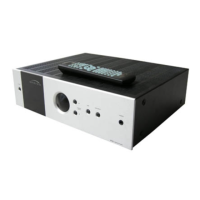
Explains how to operate the Z140 amplifier using the remote control, including volume and input selection.
Provides instructions for fitting and replacing batteries in the system remote handset.
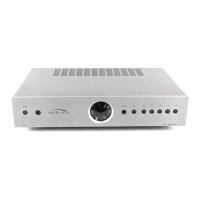
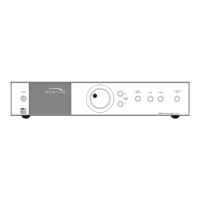
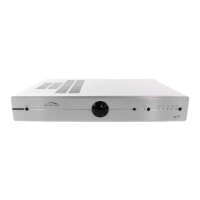
Diagram and overview of the Z140 Integrated Amplifier setup and connections.
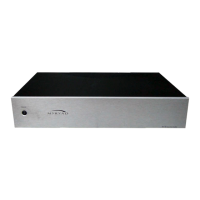
Diagram and overview of the Z160 Power Amplifier setup and connections.
Details the power inlet connection and the main power switch on the rear panel.
Explains the My-Link connection for system integration and control of multiple Myryad components.
Describes the loudspeaker output terminals and the bi-amp output for advanced speaker configurations.
Details the various audio input and output connectors for tape decks, CD players, DVD players, and tuners.
Explains the connections for phono cartridges and auxiliary line-level audio sources.
Describes the line input and output connections for the Z160 Power Amplifier.
Explains the function of the standby button and its associated LED indicator.
Details the IR receiver window and the function of the volume control knob.
Describes the headphone socket and the Tape 1 monitor function.
Explains how to select audio sources using the button and associated LEDs.

 To Next Page
 General