4. Description of automatic mode control (advance mode) 5. Remote Controller Notice 6. Error code
Automatic mode
This is a challenging and higher class mode. User can walk
on the WalkingPad completely out of remote control- ler.
We only recommend those who have good sports skills or
walking machine experience to take the challenge.
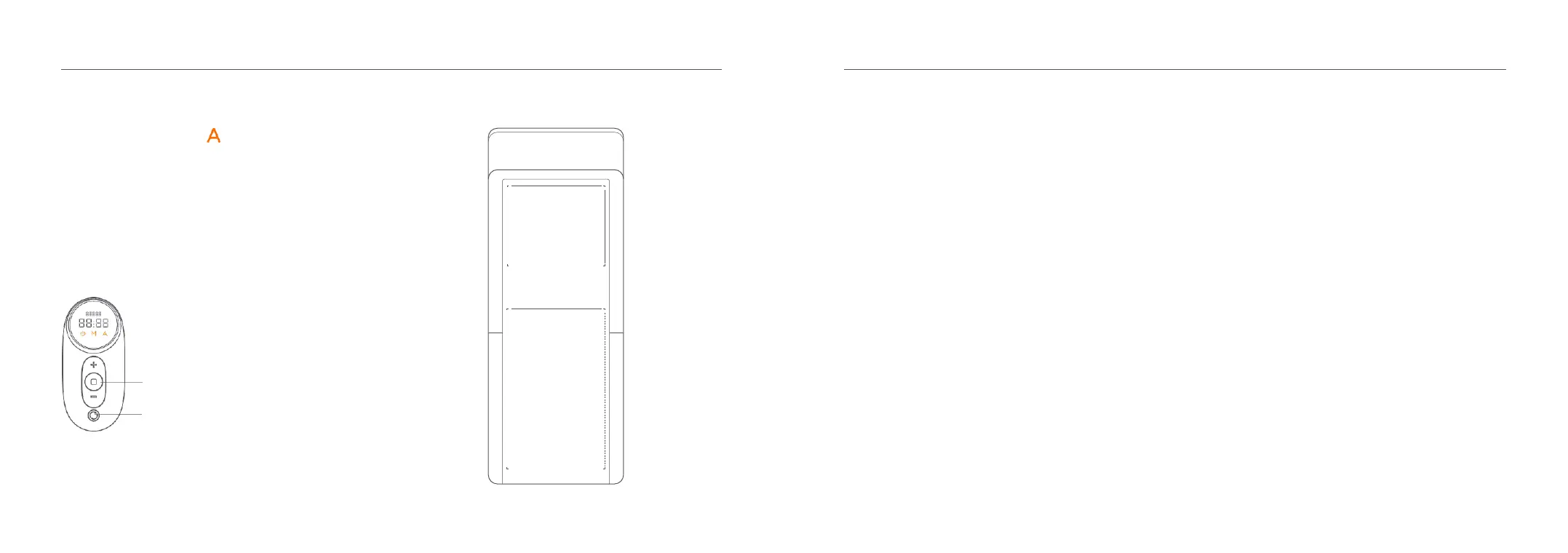
Short press: stop the WalkingPad.
Mode Switch:
Short press: switch to manual mode.
Long press: switch to Standby mode.
If the remote controller has no response or you change a
new one, the remote controller and walking device need to
re-establish communication.
Remote control pairing method:
Restart the WalkingPad, press and hold down the mode
switch button on the remote control immediately, hearing
the sound of "Beep" indicates the success of pairing. Note:
During the operation, the remote control should be close to
the WalkingPad.
The error code is off when the walking machine is work-
ing normally. While error occurs, the display panel of
remote shows the error code.
E01: Drive communication fault;
E02: Motor abnormalities;
E05: Overcurrent protection;
E06: Motor Protection;
E08: Sensor Fault;
E09: Controller connection failure;
E10: High temperature protection, automatic recovery
after the end of countdown;
E11: Overload protection, please add lubricating oil, and
resume automatically after countdown.



 To Next Page