
 Need help?
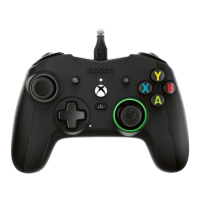
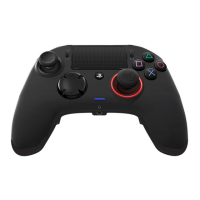
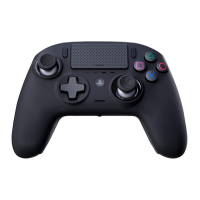
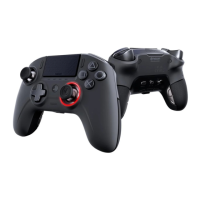
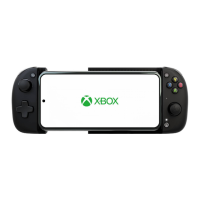
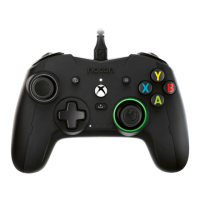
Do you have a question about the Nacon REVOLUTION X PRO and is the answer not in the manual?
Connect the USB-C end of the cable to your controller and the other end to a console or PC.
Use the app for firmware updates and advanced controller customization options.
Set up controller shortcuts (S1-S4) in Classic Mode by following on-screen steps.
 General
| Brand | Nacon |
|---|---|
| Model | REVOLUTION X PRO |
| Category | Video Game Controller |
| Language | English |


 To Next Page