
 Need help?
Do you have a question about the Nacon Revolution Pro and is the answer not in the manual?
Details the features available in Pro Control mode, including motion sensors, touch pad, and dual vibrations.
Explains advanced customization via the PC companion app, including remapping and profiles.
Instructions on how to properly dispose of the product as electronic waste to protect the environment.
Covers general usage precautions, ergonomics, and warnings for safe operation.
Provides contact details for technical help and essential legal disclaimers and usage rights.
 General
| Minimum RAM | - MB |
|---|---|
| Operating temperature (T-T) | - °C |
| Device interface | USB |
| USB 2.0 ports quantity | - |
| Connectivity technology | Wired |
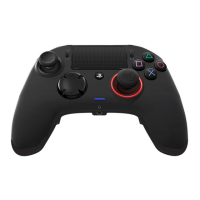
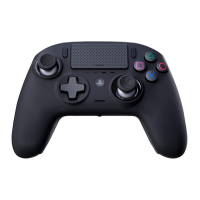
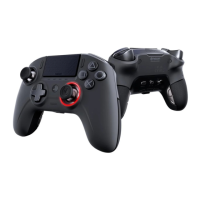
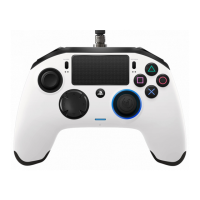
| Device type | Gamepad |
| Backlight color | Multi |
| Reflex vibration | Yes |
| Gaming control technology | Analogue / Digital |
| Gaming platforms supported | PlayStation 4 |
| Gaming control function buttons | D-pad |
| Quantity | 1 |
| Cable length | 3 m |
| Product color | Black |
| Windows operating systems supported | Windows 10, Windows 7, Windows 8 |
| Package type | Box |
 Weight and Dimensions
| Weight | - g |
|---|



 To Next Page

