EasyManua.ls Logo

NAD VISO HP20 - User Manual

NAD VISO HP20
8 pages
Print Icon
To Next Page IconTo Next Page
Loading...
®
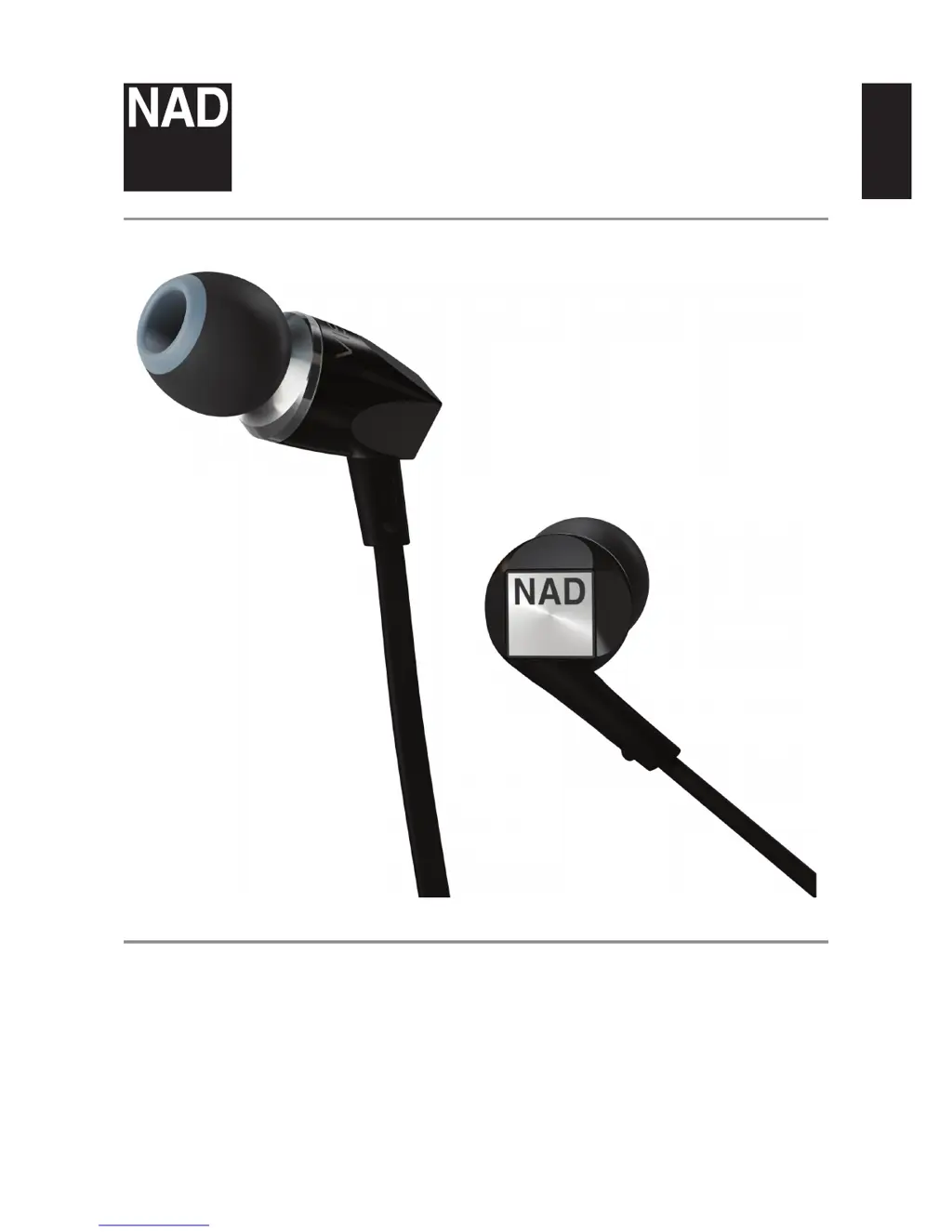
VISO HP20
ENGLISH
Owners Manual

Questions and Answers

  • K
    Kelli LozanoAug 8, 2025
    What to do if my NAD Headphone has low or no audio output?
    • H
      Heather SimpsonAug 8, 2025
      If your NAD Headphone has low or no audio output, first ensure that the audio source is powered on. Then, check that the audio volume level isn't set to the minimum; if it is, set it to a medium level. Make sure that the headphone and the audio source are fully connected. Finally, if you're using an Apple control feature, the audio source might be muted; press the center button to restore the audio.
  • J
    Jerry StevensAug 25, 2025
    Why does my NAD Headphone have crackling noise or intermittent audio?
    • N
      Natasha MackAug 25, 2025
      Crackling noise or intermittent audio in your NAD Headphone can occur if the headphone isn't fully inserted into the audio source. Ensure a full connection. If the connection at either the audio source or the headphone end is damaged, consider using a new headphone.

Summary

Important Safety Instructions

OSHA Guidelines for Noise Exposure Limits

Provides daily exposure limits for headphone use based on decibel levels.

Equipment Modification Caution

Warns against unauthorized modifications to the equipment, which could void user authority.

Environmental Protection and Disposal

Guides on proper disposal of the product for recycling and environmental protection.

FCC Compliance Notice

States compliance with FCC rules and conditions for operation, including interference limitations.

General Usage Warnings

Alerts users to potential hearing damage from loud volumes and risks from water ingress.

Introduction to NAD VISO HP20 Headphones

Whats Inside the Box

Lists the accessories included with the VISO HP20 headphones.

Identification of Parts and Accessories

Airline Adaptor Usage

Explains how to use the airline adaptor with in-flight entertainment systems.

Headphone Adaptor (3.5 mm to 1;4 inch)

Describes the adaptor for connecting to larger audio jacks.

Inline Microphone and Remote Cable

Details the inline controls for music and calls on iOS devices.

Apple Control Features

Explains how to use the inline remote with Apple devices for music and calls.

In-Ear Management and Care

Eartip Fitting and Selection

Guides on choosing the right eartip for optimal sound quality and fit.

Eartip Insertion and Removal

Provides step-by-step instructions for safely inserting and removing eartips.

Fitting Tips for Best Seal

Offers advice on how to achieve a proper seal for sound isolation.

Protecting Your Investment from Volume

Warns about the risks of excessive volume levels and potential hearing damage.

Troubleshooting Common Issues

Low or No Audio Output

Addresses issues with no sound or low volume, providing possible causes and solutions.

Crackling or Intermittent Audio

Helps diagnose and fix audio crackling or intermittent sound problems.

Technical Specifications

Audio Performance Metrics

Details key specifications like rated power, frequency response, and sensitivity.

Hardware Characteristics

Lists impedance, transducer type, and driver size for the headphones.

NAD VISO HP20 Specifications

General IconGeneral
Driver Size40 mm
Frequency Response20 Hz - 20 kHz
Impedance32 Ohms
Cable Length1.2 m
Driver TypeDynamic
Connector3.5 mm
Weight220g
FoldableYes
Noise IsolationPassive

Related product manuals