TO BE DISCOVERED...
SSHHIINNEE BBTT
Bluetooth mirror Clock Radio.
ZZEEBBRRAA
Portable "jewel" Bluetooth speaker.
Wake-up to your
smartphone
music!
ZZEENN
MP3/USB Wake-up light.
Wake-up
with your
MP3 music!
SSEENNSSEE BBTT
Portable Bluetooth CD Radio MP3 USB .
Possibility to wake-
up with the lamp
"sunrise" effect,
nature sounds,
MP3, radio, tune.
Possibility to wake-
up with the lamp
"sunrise" effect,
nature sounds,
MP3, radio, tune,
Bluetooth.
IILLIIGGHHTT
MP3/USB Bluetooth Wake-up light.
SSEETTTTIINNGG DDIISSPPLLAAYY BBRRIIGGHHTTNNEESSSS
SSEETTTTIINNGG TTIIMMEE
English
Naf Naf
is more than
a fashion, it’s
a way of life.
Our electronic col-
lection is a combi-
nation of fashion
and digital tech-
nology.
Like our clothing,
it meets your
needs and forms
part of your day-
to-day life.
Devised and des-
igned in France,
with our very
strict Quality
Control at every
stage in produc-
tion, it offers you
the guarantee of a
highly reliable
product.
EN
2
EN
1
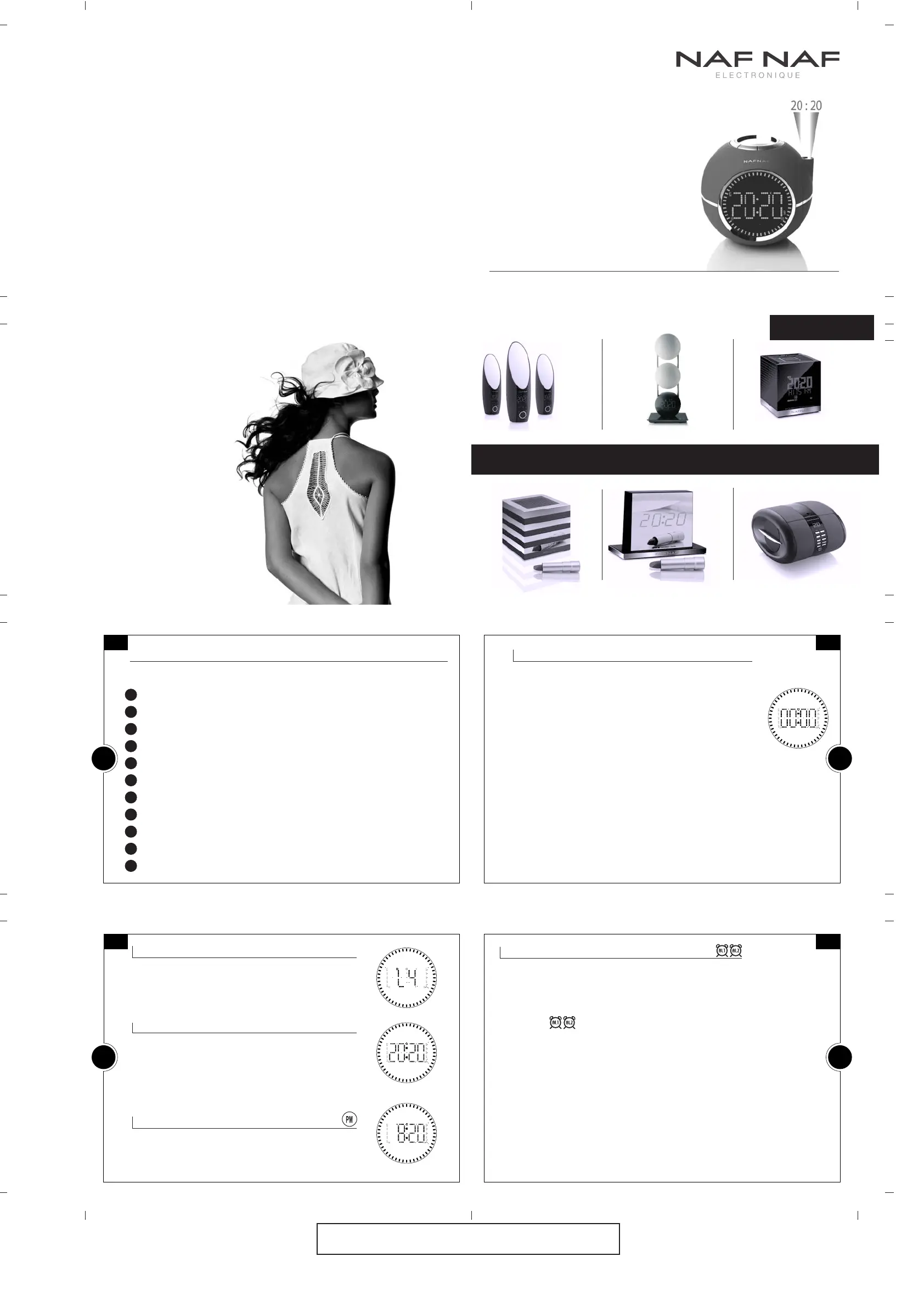
CLOCKINE V2
PLL CLOCK RADIO WITH PROJECTION AND NATURE SOUNDS
AALLAARRMM 11//22
The unit must be in standby mode.
1• Press and hold "A L 1 •V O L -" or "A L 2 •V O L +" key until the
display flashes.
2•Press the "<<" ">>" keys to adjust the hours and the minutes.
3• Press the "A L 1 • V O L -" or "A L 2 • V O L +" keys to confirm your
choice and to return to the initial mode.
The alarm will start gradually at the selected time, increasing
in volume during the first 3 minutes and will stop automati-
cally after 90 minutes.
Note:If no keys is pressed for 5 seconds, the last selection is automatically saved.
EN
4
EN
3
MODEL CLOCKINE EN REF DNI013V2
ENGLISH USER MANUAL P 1/2
F R A N C A I S
E N G L I S H
D E U T S C H
E S P A N O L
I T A L I A N O
N E D E R L A N D S
P O R T U G U Ê
Installing
Setting display brightness, Setting Time, 12/24 mode
Setting the alarm
Activating/Deactivating/Stopping the alarm, Snooze function
Sleep function, Projector On/Off / Reverse
Listening to Radio, Memorization of stations
Listening to preset stations, Listening to nature sounds
Auxiliary input, Malfunctionning
Description of functions
Specifications
Guarantee, Precautions
11 22 // 22 44 MM OO DDEE
The unit must be in standby mode.
1• Press and hold the "
TTIIMMEE SSEETT
" key until the display flashes.
2• Press "
<<" ">>" keys to adjust the hours and the minutes.
3• Press "
TT II MM EE SS EE TT
" key to confirm your choice and
to return to the initial mode.
The unit must be in standby mode.
Press and hold
"
TT II MM EE SS EETT
" key
until the changing mode.
In 12 hour mode, the icon
"
PM
"
appears on the display.
II NN SS TT AA LL LL AA TT II OO NN
In standby mode, the brightness intensity of the display
can be adjusted on 4 levels by pressing several times on
"
SSNNOOOOZZEE••SSLLEEEEPP••DDIIMMMMEERR
" key. On level "L1", the
display is switched off but it is temporarily reactivated
for 10 seconds as soon as a key is pressed.
CLOCKINE V2
PLL CLOCK RADIO WITH PROJECTION AND NATURE SOUNDS
Plug the power cable into a 230V socket, the display
turns on and shows flashing "0:00". The unit is in
standby mode.
Open the batteries compartment underneath the
appliance. Insert 2 x 1,5v-LR03/AAA batteries, alkaline if
possible and make sure to respect the polarity way.
These batteries provide the functions backup in case of
power cut, but they will not allow to operate the appliance
or to display the time.
Without these batteries, and after a power interruption, the
displayed time may not be always correct. It may gain or lose
about 10 minutes per hour.
• Knowing when to replace the batteries?
To check the battery power, unplug the power cord from the
wall outlet. And plug it in again after a few minutes. If the
displayed time is incorrect,replace the batteries with new ones.
Pull out the antenna.
CLOCKINE is ready for use.
MMYY CCLLOOCCKK VV33
Stereo MP3 USB RDS Clock Radio.
SSEETTTTIINNGG TTHHEE AALLAARRMM
You have 2 independant alarms, with 5 different progressive
sound alarms, to wake up smoothly and stressless: Radio,
Melody, Sea, Forest, Nightingale. The sound volume of the
alarms is the same as the radio volume that you have set
beforehand (Page 7).
2
3
4
5
6
7
8
9
10
11
12


 To Next Page
 Loading...