C
6
Connection and power
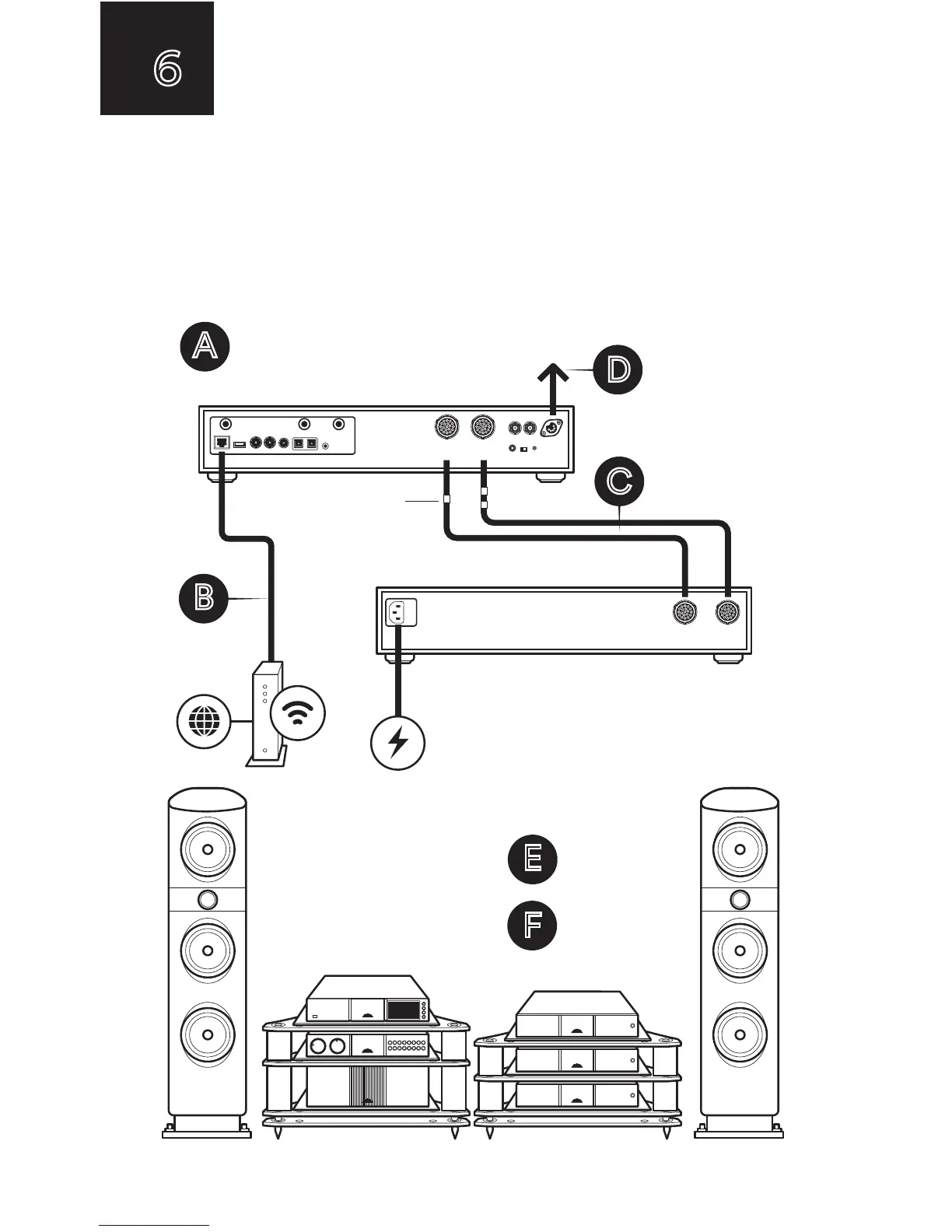
(A) Firstly turn off your hi-fi system. (B) Connect the Ethernet network cable
from router to ND 555 (if unavailable connect 2 x Wi-Fi antennae instead)
and 1 x Bluetooth antenna to the rear of the ND 555. (C) Connect the ND 555
to the CD555 PS using both Burndy leads. (D) Use the Hi-Line lead
(5-5pin DIN) to connect to the pre-amplifier of your hi-fi system.
(E) Switch on the ND 555 by pressing the power button on the front
of the CD555 PS. (F) Turn your hi-fi system back on.
A
B
D
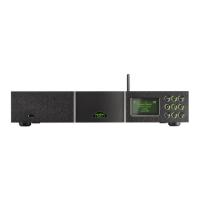
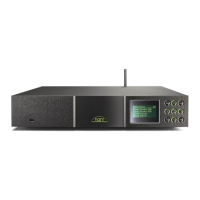
ND 555
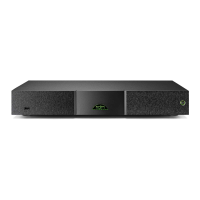
CD555 PS - Power supply
Power
connection
Hi-Line lead to
pre-amplifier
NB: markers
for different
burndy cables
Power off your
hi-fi system
Output 1 2
Input 1 2
F
Power on your
hi-fi system
E
Switch on
CD555 PS


 To Next Page