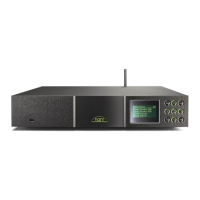
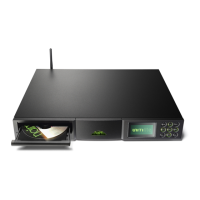
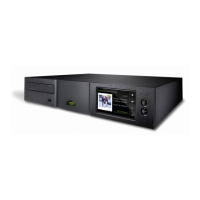
NDX Quick Start Guide English
1 Installing and Connecting
• StandtheNDXonanappropriate,stablesurface.Makesureitiswellventilated.
• CheckthatthemainssupplyspecifiedontheNDXrearpanelisappropriateforyour
territory.ConnecttheNDXtothemainsusingthesuppliedcablebutdonotswitchitonuntil
allotherconnectionshavebeenmade.
• IdentifytheSignal Ground Switchandselectthe“chassis”optionunlesstheNDXis
connectedinahi-fisystemincorporatinganotherearthedsourcecomponent(allNaimCD
players,forexample),ormains“hum”isaudiblethroughtheloudspeakerswhentheNDXis
switchedon.
• Toplayaudiofroma™serverorfrominternetradiostations,theNDXnetwork socket
mustbeconnectedtoarouterusinganEthernetcable,oritsmustbefitted.
Internetradioalsorequiresahigh-speedinternetconnection.
• IftheNDXmoduleisfitted,asuitableaerialshouldbeconnectedtotheDAB/FM
aerialsocket.TheDAB/FMmodulecannotoperatewithoutanaerial.Contactyourlocal
Naimretailerordistributorforadviceonselectingandinstallinganaerial.
• IftheNDXistoplayaudiofilesstoredonanoronUSBmemoryhardware,
connectitusinganappropriatecable,ifnecessary,tothefrontpanelUSBsocket.
• IfanyexternalS/PDIFdigitalaudiosourcesaretobeusedwiththeNDX,connectthem,
usingtheappropriateBNCcoaxial,phonocoaxialoropticalcables,tothedigitalinputs.
• ConnectoneoftheNDXoutputstoanappropriatepreamplifierorexternalDACinput.The
NDXDINoutputisthedefaultactiveanalogueoutput.Toselectanalternativeanalogue
output,pressthehandsetsetupkey( )oncetheNDXisswitchedonandselectAnalogue
.Selecttoactivatethedigitaloutput.
• NDXcontrolcanbelinkedusingSystem Automation tothecontrolofsomeNaim
preamplifiers,CDplayersandtheNaimDAC.SystemAutomationenablesforexample,
preamplifierinputstobeselectedviatheNDX,orforn-Streamtransportfunctionstocontrol
aCDplayer.TotakeadvantageofSystemAutomation,connectoneoftheNDXRemote
socketstoapreamplifier,CDplayerorDACRemote Insocket.Useacableterminated
witha3.5mmjackplugatoneendanda3.5mmjackorphonoplugasnecessaryatthe
otherend.
Note: NDX System Automation is switched off by default. A full description of its use can be
found in the NDX Reference Manual.
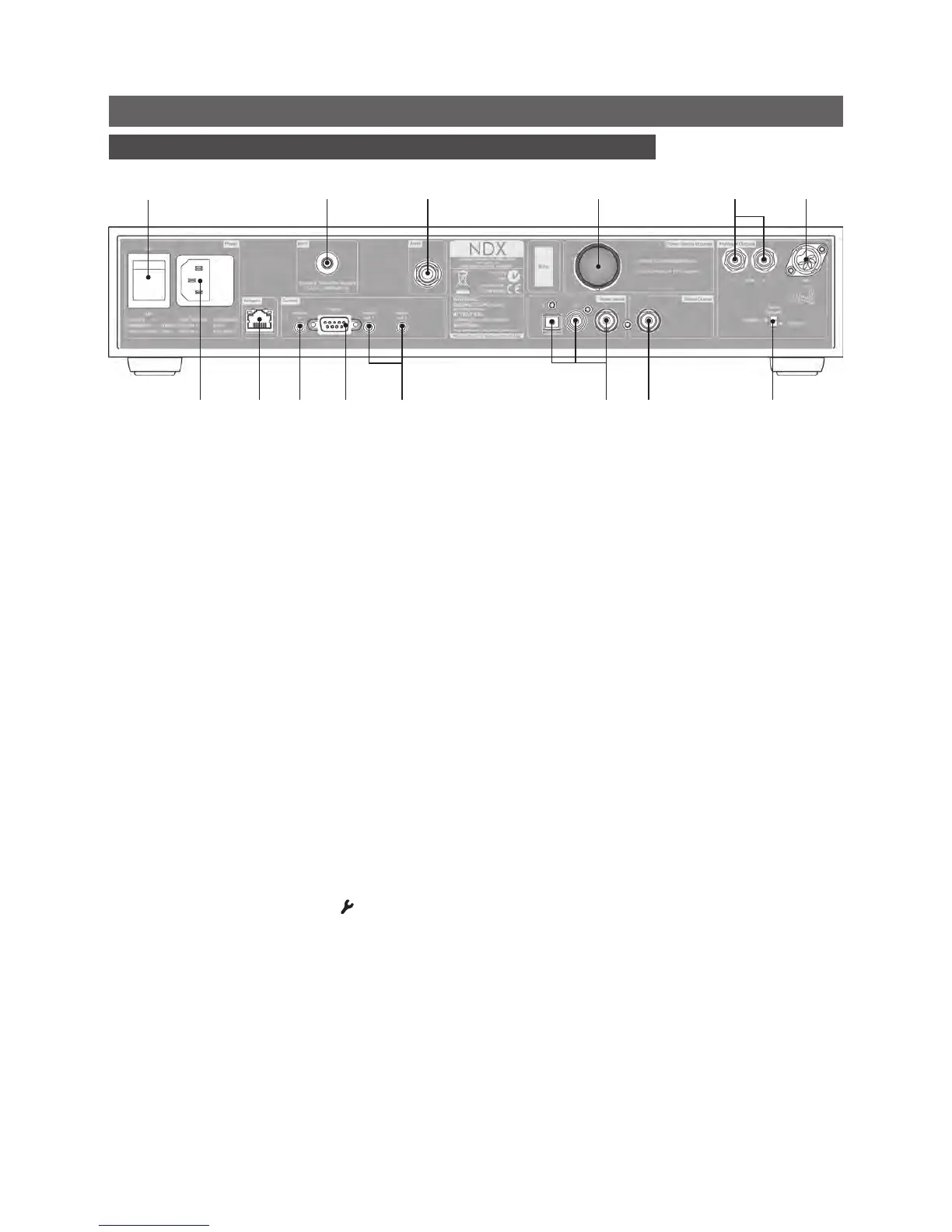
mainsinput
andfuse
powerswitch
network
socket
DAB/FMaerial
socket
signalground
switch
digital
output
wirelessnetwork
(Wi-Fi)antenna
socket
powersupply
upgradesocket
(linkplugtted)
serial
interface
remote
in
remote
out1&2
digitalinputs
3,2&1
analogue
output
(phono)
analogue
output
(DIN)
Note: If your NDX is to be
powered by an external
XPS or 555 PS power supply,
remove the NDX power
supply upgrade socket
link plug and connect the
external power supply using
the appropriate Burndy
cable. Do not connect the
NDX mains cable.


 To Next Page
 Loading...