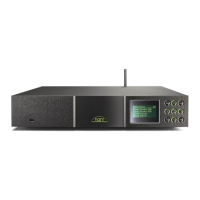
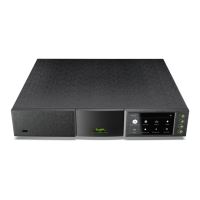
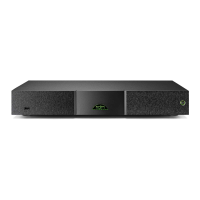
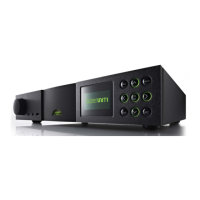
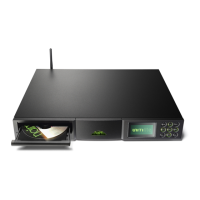
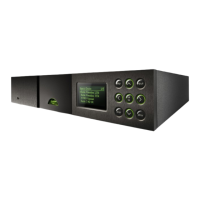
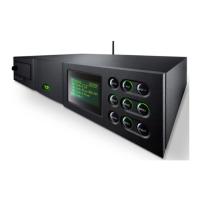
NDX Quick Start Guide English
• Onceallconnectionshavebeenmade,switchontheNDXusingitsrearpanel
switch
ortheexternalpowersupplypowerswitch.TheNDXwilldisplayawelcomescreen
and select its Digital 1input.
Note: If the NDX is left unused its display will switch off after a preset time. The “Auto-off” time
can be adjusted within the setup menus.
• TheNDXdisplaylanguagecanbechanged.Entersetupmodebypressingthehandset
( )key,select and use the handset (5)anddown(6)keystoselect
thedesiredlanguage.Presstheok/listkeytoconfirmtheselection.Leavesetupmodeby
pressingtheexitkey.
• TheNDXisconfiguredwhenshippedtoconnecttowiredTCP/IPnetworksautomatically.
However,ifyourNDXhasbeenpreviouslyusedanditsnetworkconfigurationaltered,
oryourrouterrequiresnonstandardsettings,itmaynotbeabletodoso.Refertothe
ReferenceManualifthisappearstobethecase.
Ifawirelessnetworkconnectionistobeused,theNDXwillrequireconfigurationtojoin
thenetwork.Pressthehandsetsetupkey( )oncetheNDXisswitchedonandselect
the Network SettingsoptiontoconfiguretheNDXwirelesssettings.RefertotheReference
Manualformoreinformationifnecessary.
• IfnecessaryselecttheNDXinputonthepreamplifierorexternalDAC.
• NDXinputscanbeselectedbypressingthefrontpanelbutton,thehandset(5)
and down(6)keysoroneofthehandsetkeys.
• IftheFM/DABmoduleisfitted,sequentiallypressingthehandsetradiokeywillscrollthrough
agroupofinputscomprisingFM,DABandiRadio.
Note: The default handset input selection key assignments are described in the Reference
Manual. To modify the key assignments press the handset setup key () then select the Handset
Buttons option.
• WhentheNDXisconnectedtoanetworkwithhighspeedinternetaccessitwill
automaticallydownloadalistofavailableinternetradiostations.WhentheiRadioinputis
subsequentlyselected,amenuwillbedisplayedthatlistsalltheavailablestationssortedby
locationandgenre.Usethehandset(5),down(6),(3)andok/listkeystobrowse
thelistandselectstations.
• WhentheNDX™inputisselected,alistofavailable™serversonthenetworkwill
bedisplayed.Usethehandset(5),down(6),(3)andok/listkeystobrowseand
selectservercontent.Pressthehandsetkey( )toplaytheselecteditem.
• WhenanorUSBmemorydeviceisconnectedtothefrontpanelUSBsocketandthe
USBinputisselected,theNDXwilldisplayamenuandfolderstructurethatreflectsthe
device.Usethehandset(5),down(6),(3)andok/listkeystobrowsethefolders
andselectcontent.Pressthehandsetkey( )toplayanaudiofileorthe
entirecontentsofafolder,albumorplaylist.Seetheattheendofthissection.
Note: The n-Stream app,
available from the iTunes App
Store, enables wireless touch
screen control of the NDX
from an iPhone or iPod touch.
Language 1/7
4English
Deutsch
Français
Español
UPnP 3/3
UnitiServe
NAS
4PC
USB 4/18
Brilliant Corners.wav
Grace and Danger.wav
Nelly The Elephant.wav
4Solid Air.wav
Internet Radio 2/7
Added Stations
4Location
Genre
Podcasts By Location
Setup 4/9
Language
Inputs
Analogue Outputs
4
Network Settings
Network Settings 1/5
4Name: NDX-C135
Wireless: Not Used
Status: Not Connected
DHCP: Yes


 To Next Page
 Loading...