EasyManua.ls Logo

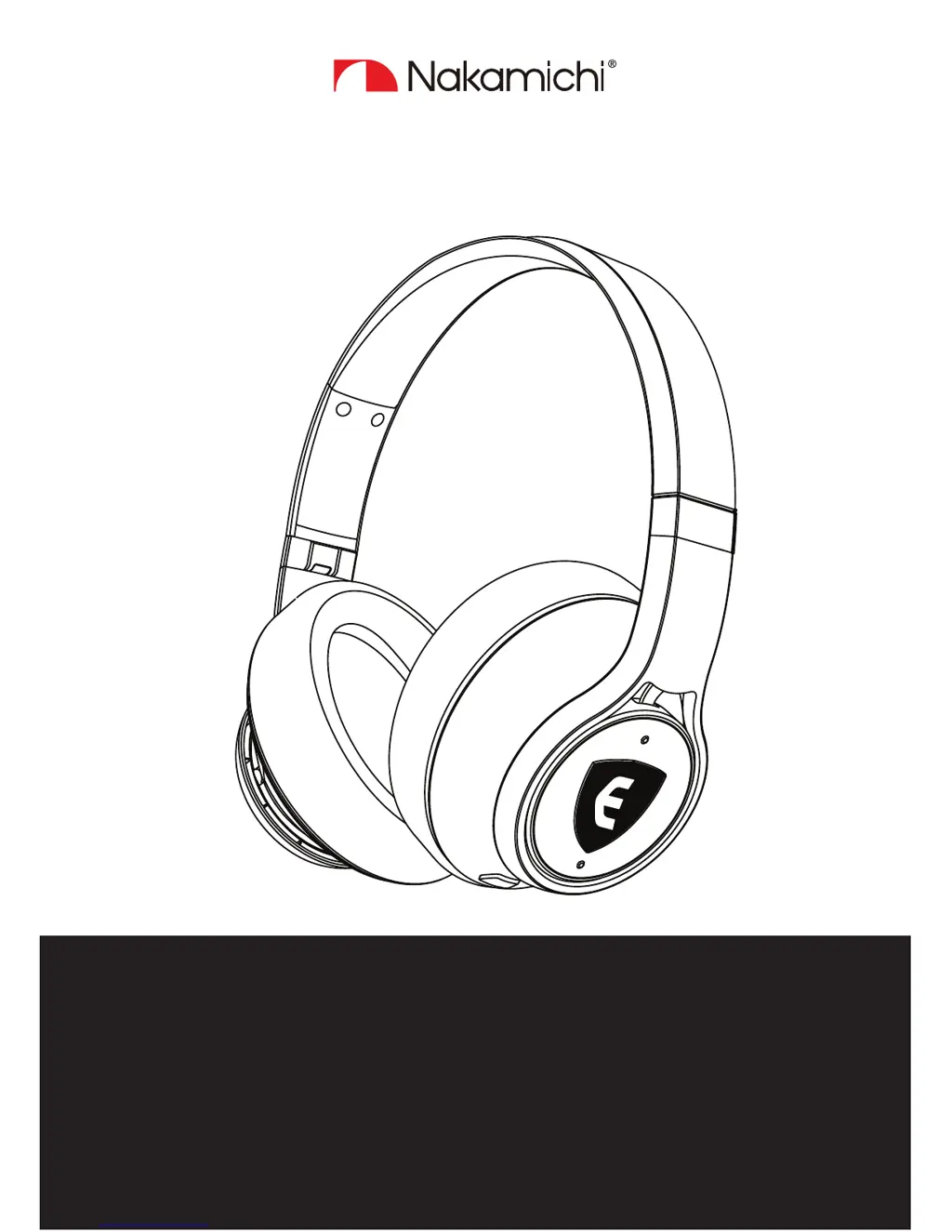
Nakamichi ELSA - User Manual

Nakamichi ELSA
32 pages
Print Icon
To Next Page IconTo Next Page
Loading...
ELSA
USER GUIDE
Talk to a ELSA headphones specialist
support@nakamichi-usa.com
for the newest troubleshooting info, visit: www.nakamichi-usa.com/faq

Questions and Answers

  • M
    Mckenzie SanchezAug 2, 2025
    Why my Nakamichi ELSA Headphone cannot connect?
    • K
      Kevin BoydAug 2, 2025
      If your Nakamichi Headphones aren't connecting, it might be due to a couple of reasons. First, ensure that the headphones are properly paired with your device. If they aren't, try pairing them again. Secondly, verify that Bluetooth is activated on your smartphone. If it's off, turn it on.
  • S
    Sheri CookAug 13, 2025
    How to fix Nakamichi ELSA that cannot be switched on?
    • C
      Courtney RiveraAug 13, 2025
      If your Nakamichi Headphones won't switch on, the battery may be empty; in that case, charge the headphones. If charging doesn't help, the battery might be completely exhausted or worn out, for this issue you should contact support@nakamichi-usa.com.
  • B
    Bridget GrayAug 21, 2025
    How to increase volume on Nakamichi Headphone?
    • E
      ejohnsonAug 22, 2025
      If the volume on your Nakamichi Headphones is too low, it could be due to a fault in the headphones' function. Try increasing the volume by pressing the Vol+ button on the right earcup.

Summary

Important Safety Information

Health and Accident Prevention

Protects hearing and prevents accidents from product misuse, covering loud volumes and hazards.

Product Damage Prevention

Guidelines to prevent product damage, corrosion, and malfunctions due to temperature, moisture, or improper use.

Battery Pack Safety

Provides crucial warnings and instructions for the safe handling, charging, and disposal of the built-in lithium-polymer battery.

Understanding ELSA

ELSA Functionality

Explains how the ELSA AI system monitors volume levels, assesses listening habits, and adjusts volume for hearing protection.

Product Overview and Controls

Headphones Physical Overview

Diagram illustrating and labeling the key physical components of the Nakamichi ELSA headphones, including earcups and headband.

Getting Started

Charging the Headphones

Instructions and recommendations for charging the headphones using the supplied USB cable and compatible power adapters.

Switching Headphones On and Off

Step-by-step instructions on how to power the Nakamichi ELSA headphones on and off using the designated power button.

Pairing Headphones with a Device

Detailed instructions and precautions for establishing a Bluetooth connection between the headphones and your smartphone or audio device.

Bluetooth Pairing Procedure

Step-by-step guide with visual aids on how to enter pairing mode and connect the Nakamichi ELSA headphones to a Bluetooth device.

Using the Headphones

Call Management Functions

Details how to make, answer, reject, and end calls using the headphones, including handling incoming calls during music playback.

Troubleshooting Common Issues

Nakamichi Limited Warranty

Nakamichi ELSA Specifications

General IconGeneral
BrandNakamichi
ModelELSA
CategoryHeadphone
LanguageEnglish

Related product manuals