EasyManua.ls Logo

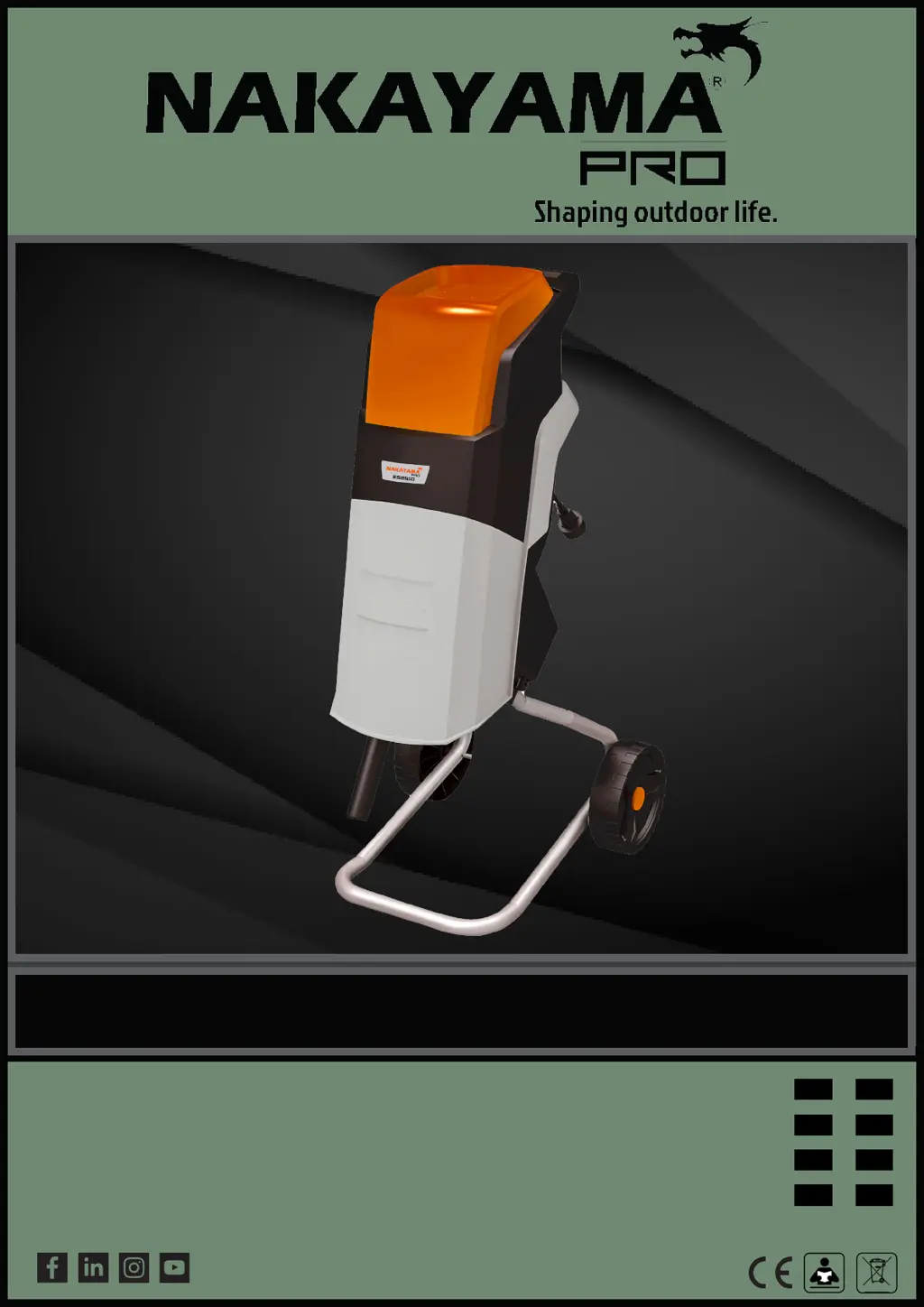
Nakayama Pro ES2510 - User Manual

Default Icon
65 pages
Print Icon
To Next Page IconTo Next Page
Loading...
DF
FR
RO
el
SL
WWW.NIKOLAOUTOOLS.GR
ART NO:
053057
EN
IT
BG
HU
v2.2
ES2510

Table of Contents

Questions and Answers

  • A
    Ashley ScottAug 11, 2025
    Why won't my Nakayama Pro ES2510 Paper Shredder start?
    • K
      Kelly HartAug 11, 2025
      If your Nakayama Paper Shredder isn't starting, several things could be happening. First, check the power cord, extension cord, plug, and socket to ensure they're all in good condition and properly connected. Do not use the shredder if any cord is damaged. Also, ensure the hopper is closed and the hopper lock knob is tightened. Finally, if the motor is overloaded, wait for it to cool down, press the reset button, and reduce the amount of material you're feeding into the shredder.
  • L
    Laura FullerAug 20, 2025
    What to do if I can't feed material into my Nakayama Paper Shredder?
    • D
      daniel28Aug 21, 2025
      If you can't feed material into your Nakayama Paper Shredder, the issue might be a jam. Turn off the machine and unplug it. Then, open the hopper and remove any materials causing the jam. Alternatively, the cutting blades may be blocked. In that case, turn off and unplug the shredder, open the hopper and blade cover, and remove any material blocking the blades. Close the blade cover and hopper after clearing the blockage. A blocked discharge chute could also be the culprit. Turn off and unplug the shredder, open the hopper and the plate of the discharge chute to clear any blocked material. Replace the plate and hopper afterward.
  • A
    Alicia BennettAug 30, 2025
    How to improve the cutting performance of my Nakayama Paper Shredder?
    • K
      Kristine SmithAug 30, 2025
      If your Nakayama Paper Shredder's cutting performance is unsatisfactory, the cutting blade edges may be worn. You can try reversing the blades or replacing them with new ones.

Summary

Product Specifications

Safety Instructions

General Safety Precautions

Key safety rules to follow before and during operation.

Safe Operation Guidelines

Rules for safe operation to prevent injury and damage.

Maintenance, Noise, and Risks

Maintenance and Storage Procedures

Steps for servicing, storing, and handling the machine.

Noise, Vibration, and Residual Risks

Information on reducing noise/vibration and understanding residual risks.

Product Use and Assembly

Intended Use

Specifies the proper and intended uses of the product.

Assembly Instructions

Step-by-step guide for assembling the shredder.

Operating Instructions

Basic Shredding Operation

Step-by-step guide for the primary shredding function.

Overload Protection

How the overload protection system works and how to reset it.

Maintenance Instructions

Replacing Cutting Blades

Detailed steps for replacing or reversing the cutting blades.

Replacing Carbon Brushes

Instructions for inspecting and replacing motor carbon brushes.

Cleaning, Transport, and Disposal

Cleaning and Transport Procedures

Guidelines for cleaning and transporting the machine.

Troubleshooting and Environmental Disposal

Solutions for common problems and proper disposal methods.

Warranty Information

Warranty Coverage

Details on the warranty period and what is covered.

Warranty Exemptions and Restrictions

Conditions and situations that are not covered by the warranty.

Nakayama Pro ES2510 Specifications

General IconGeneral
BrandNakayama
ModelPro ES2510
CategoryPaper Shredder
LanguageEnglish