Page 66
7-11 Replacing the Cup Target Sensor Assy
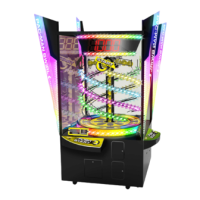
1. Remove the upper rear maintenance door from the Target Cabinet.
2.Remove the Display Cover and Front Maintenance Door. (see section 7-10 page
64).
3. Disconnect connector J301 from the Sensor PC Board and free the harness from
the front of the Target Cabinet.
4. Move the Cup Target cover of the Shutter Assy in the direction of the arrow,
shown in the diagram below, and remove 2off pozi head screws (M4x45),
complete with flat and spring washers, and remove the Cup Target Sensor
complete with sensor bracket
Target Cabinet
Sensor PC Board
Connector
J103
Cup Target Cover


 To Next Page
 Loading...