EasyManua.ls Logo

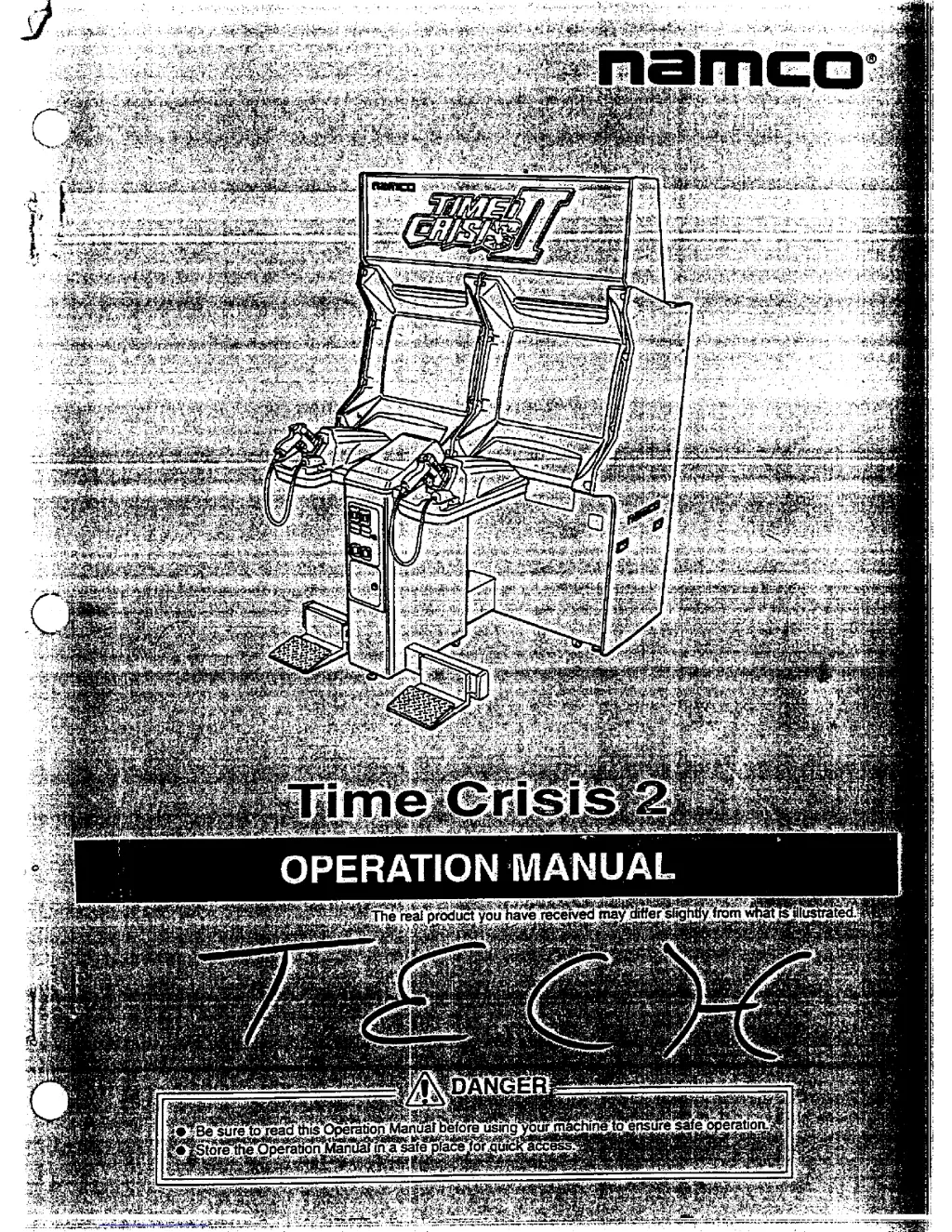
NAMCO TIME CRISIS 2 - User Manual

NAMCO TIME CRISIS 2
96 pages
Print Icon
To Next Page IconTo Next Page
Loading...
.-
-
.--
.-
__
..-----.
.

Table of Contents

Questions and Answers

  • M
    Michael SmithJul 27, 2025
    What to do if NAMCO TIME CRISIS 2 Video Gaming Accessories speakers do not sound?
    • K
      kfieldsJul 27, 2025
      If the speakers on your NAMCO Video Gaming Accessories aren't producing sound, there are a couple of things to check. First, make sure that the sound volume isn't set too low and re-adjust it. Also, check the connector that connects the signboard Assy to the cabinet Assy. If it's loose, connect it securely.
  • N
    nathan88Aug 3, 2025
    What to do if NAMCO Video Gaming Accessories monitor does not display pictures?
    • K
      Kenneth MedinaAug 3, 2025
      If the monitor on your NAMCO Video Gaming Accessories isn't displaying pictures, the connectors connecting the monitor to the rack Assy might be loose. Open the rear cover or maintenance panel and ensure these connectors are securely connected.
  • J
    Jordan CruzAug 8, 2025
    What to do if the circuit protector is activated and the power switch is off in NAMCO TIME CRISIS 2?
    • S
      Sophia GarzaAug 8, 2025
      If the circuit protector is activated and the power switch is off, turn the power switch back on. If the circuit protector gets activated repeatedly, it could indicate a defect with the machine, you should contact your dealer.
  • J
    john67Aug 14, 2025
    How to fix NAMCO Video Gaming Accessories fluorescent lamp that does not light up?
    • C
      Crystal JonesAug 14, 2025
      If the fluorescent lamp in your NAMCO Video Gaming Accessories isn't lighting up, the suggested solution is to replace the glow lamp with a new one.
  • H
    Hannah HouseAug 20, 2025
    Why is the bullet impact poor in NAMCO Video Gaming Accessories?
    • M
      medinamargaretAug 20, 2025
      If you're experiencing poor bullet impact with your NAMCO Video Gaming Accessories, try replacing the microswitch with a new one. If that doesn't resolve the issue, consider replacing the solenoid with a new one.

Summary

Introduction to Time Crisis 2 Operation Manual

Manual Scope and Purpose

Outlines the manual's content, covering safe operation, installation, maintenance, and usage of the machine.

Safety Precautions

Owners Responsibilities and Instructions

Guidelines for owners on commissioning, operating, and instructing others on the machine's use.

Risk Classification System

Defines DANGER, WARNING, and CAUTION levels for safety and potential hazards.

Technician Qualification Criteria

Specifies the technical knowledge and experience required for a 'technician'.

Critical Safety Instructions

Essential safety advice, including immediate shutdown, handling high-voltage parts, and power cord safety.

Understanding Warning Labels

Details the purpose and placement of warning labels for user safety.

Machine Specifications

Power and Consumption Details

Details rated power supply, maximum power consumption, and current consumption.

Physical Dimensions and CRT Info

Provides machine dimensions and CRT monitor specifications.

Weight and Component Dimensions

Lists the weight of assemblies and their dimensions.

Package Contents Verification

Body and Tower Assembly Check

Confirms the presence of the main Body Assy and Tower Assy units upon unpacking.

Included Components and Accessories

Lists all included parts, such as pedal brackets, wrenches, and keys.

Overall Construction and Component Identification

Main Cabinet Assembly Components

Identifies major components like the signboard, monitor, gun, and cabinet assemblies.

Power and Grounding Connections

Illustrates the location of the power switch, power cord, and ground terminal.

Machine Installation Guide

Installation Environment Conditions

Specifies suitable and unsuitable locations for machine installation to ensure proper operation and safety.

Required Play Zone Clearance

Defines the necessary space around the machine for player interaction and safety.

Carry-In Passage Dimensions

Provides dimensions for doors and corridors required for transporting machine assemblies.

Dividing Signboard and Cabinet Assemblies

Step-by-step instructions for technicians to divide the signboard and cabinet sections.

Connecting Cabinet and Tower Assemblies

Procedure for physically connecting the cabinet and tower sections of the machine.

Installing the Pedal Assembly

Instructions for technicians to securely attach the pedal assembly to the tower.

Power Cord and Grounding Procedures

Details methods for connecting the power cord and ensuring proper grounding for safety.

Moving and Transportation Procedures

On-Floor Moving Guidelines

Instructions for moving the machine assemblies on the floor, including retracting adjustors.

Dividing Machine Assemblies for Transport

Step-by-step guide for technicians to disassemble the machine for transport.

Manual Carrying Techniques

Guidance on the number of people and methods for manually carrying heavy assemblies, especially on stairs.

Vehicle Loading and Unloading

Procedures for safely loading and unloading machine assemblies onto vehicles.

Secure Trucking and Fastening

Instructions on how to fasten the machine in a vehicle to prevent movement during transit.

Machine Operation Guide

Pre-Operation and Appearance Checks

Checks to perform before operating, including warning labels and physical integrity.

Operation and Periodic Checks

Procedures for checking sound, lamps, image, and regular maintenance.

Game Play Controls and Modes

Explains how to control the game, including pedal functions and available play modes.

Game Rules and Scoring

Details the game's rules, life system, and how player achievement is assessed.

Control and Adjustment Interface

Details power switch, adjustment controls, and navigating test mode menus for settings and diagnostics.

Game Configuration Settings

Configuration for game cost, free play, player lives, difficulty, and sound settings.

Diagnostic and Testing Procedures

Procedures for testing I/O, monitor, sound, managing game data, and system settings.

Gun Aiming Calibration (GUN INITIALIZE)

Procedure for calibrating the gun's aiming for accurate gameplay.

Machine Maintenance Procedures

General Maintenance and Inspection

Guidelines for periodic inspection and maintenance to ensure optimal performance.

Pedal Assembly Maintenance

Procedures for greasing and checking the pedal assembly plunger for wear and tear.

Troubleshooting Common Issues

Diagnosing and resolving common problems with the machine's operation.

Cabinet Assembly Maintenance

Troubleshooting cabinet issues and procedures for replacing the monitor and PC board.

Signboard Assembly Maintenance

Procedure for replacing fluorescent and glow lamps in the signboard assembly.

Tower Assembly Maintenance

Steps for replacing the I/O PC board within the tower assembly.

Gun Assembly Maintenance

Procedures for replacing gun assembly parts like solenoid, microswitch, and tube.

Machine Disposal Guidelines

Proper Disposal Procedures

Instructions on collecting, transporting, and disposing of the machine and its components according to laws.

Parts List and Diagrams

Cabinet Assembly Parts

Detailed diagram and list of parts for the cabinet assembly.

Signboard Assembly Parts

Diagram and list of components for the signboard assembly.

Control Base Assembly Parts

Diagram and list of components for the control base assembly.

Tower Assembly Parts

Diagram and list of parts for the tower assembly.

Pedal Assembly Parts

Diagram and list of components for the pedal assembly.

Gun Assembly Parts

Diagram and list of parts for the gun assembly (red and blue).

Coin Assembly Parts

Diagram and list of components for the coin assembly.

Wiring Diagrams

Cabinet and Control Base Wiring

Wiring schematics for the cabinet, control base, and associated assemblies.

Tower and Gun Assembly Wiring

Wiring schematics for the tower, gun, pedal, and coin assemblies.

NAMCO TIME CRISIS 2 Specifications

General IconGeneral
BrandNAMCO
ModelTIME CRISIS 2
CategoryVideo Gaming Accessories
LanguageEnglish