EasyManua.ls Logo

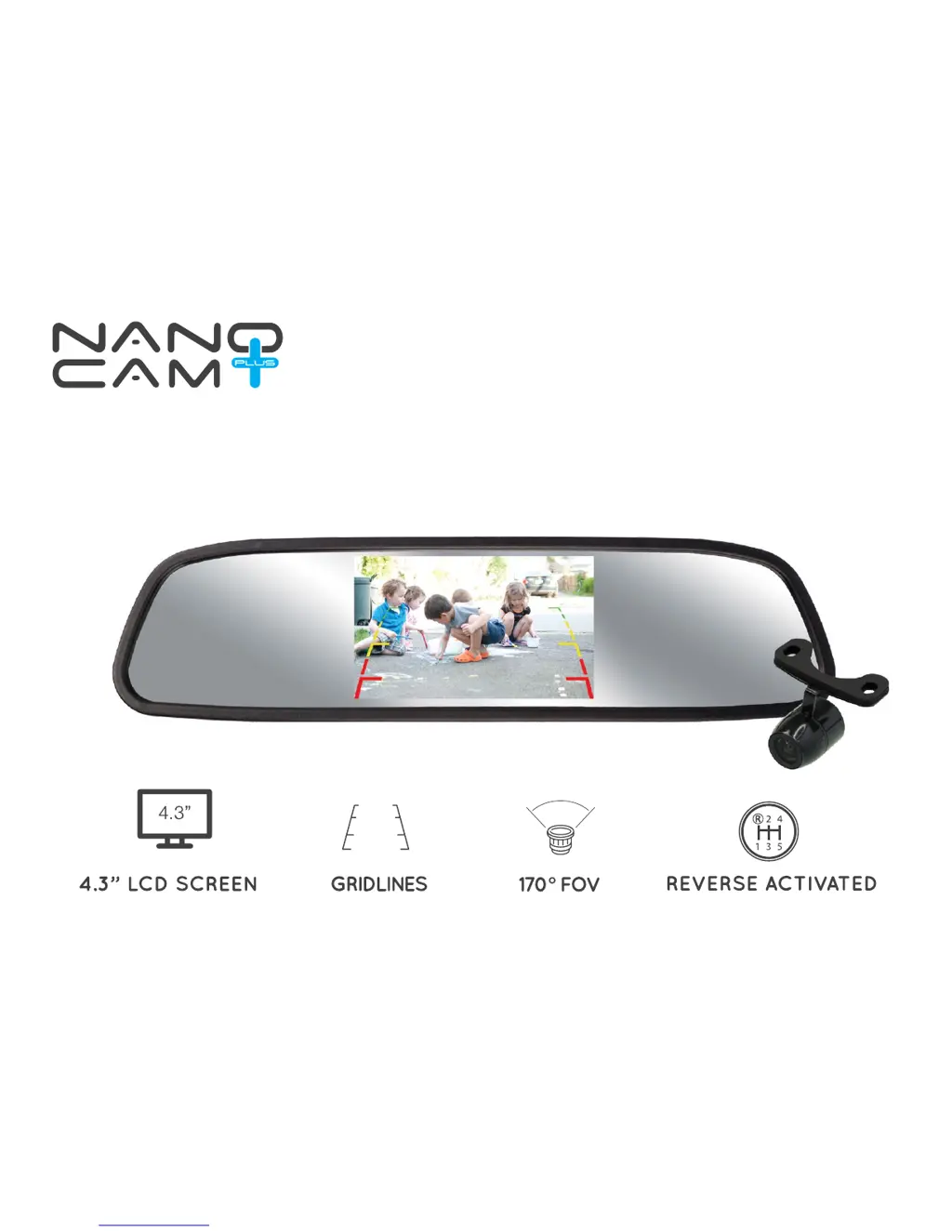
NanoCam Plus NCP-MIR43 - User Manual

NanoCam Plus NCP-MIR43
8 pages
Print Icon
To Next Page IconTo Next Page
Loading...
USER MANUAL
CLIP ON REVERSE MIRROR MONITOR
& CAMERA PACK
NCP-MIR43

Questions and Answers

  • R
    Ryan HartmanJul 31, 2025
    What to do if “No Signal” appears while reversing with NanoCam Plus Automobile Electronics?
    • R
      rrichardsJul 31, 2025
      If you see a “No Signal” message while reversing with your NanoCam Plus Automobile Electronics, first, check the video input connections. Second, check the camera power connections.
  • P
    pbauerAug 16, 2025
    Why is the video image not sharp on my NanoCam Plus NCP-MIR43?
    • B
      Brenda WilliamsAug 17, 2025
      If the video image from your NanoCam Plus Automobile Electronics camera is not sharp, check the camera lens for any debris.

Summary

Product Disclaimer

Package Contents and Important Notices

Important Product Notices

Key precautions and recommendations for product usage and installation.

Mirror Monitor Specifications

Technical details and features of the mirror display unit.

Camera Specifications

Technical details and features of the integrated camera.

Wiring Diagram

Camera Installation Guide

Step-by-step guide for mounting the camera using a butterfly mount.

Mirror Installation Guide

Installation Testing Procedure

Troubleshooting and Maintenance

Product Maintenance

Guidelines for keeping the camera clean and ensuring optimal performance.

Warranty Terms and Conditions

NanoCam Plus NCP-MIR43 Specifications

General IconGeneral
BrandNanoCam Plus
ModelNCP-MIR43
CategoryAutomobile Electronics
LanguageEnglish