EasyManua.ls Logo

NANOTEC ELECTRONIC SMCI35 - User Manual

NANOTEC ELECTRONIC SMCI35
24 pages
Print Icon
To Next Page IconTo Next Page
Loading...
Technical Manual
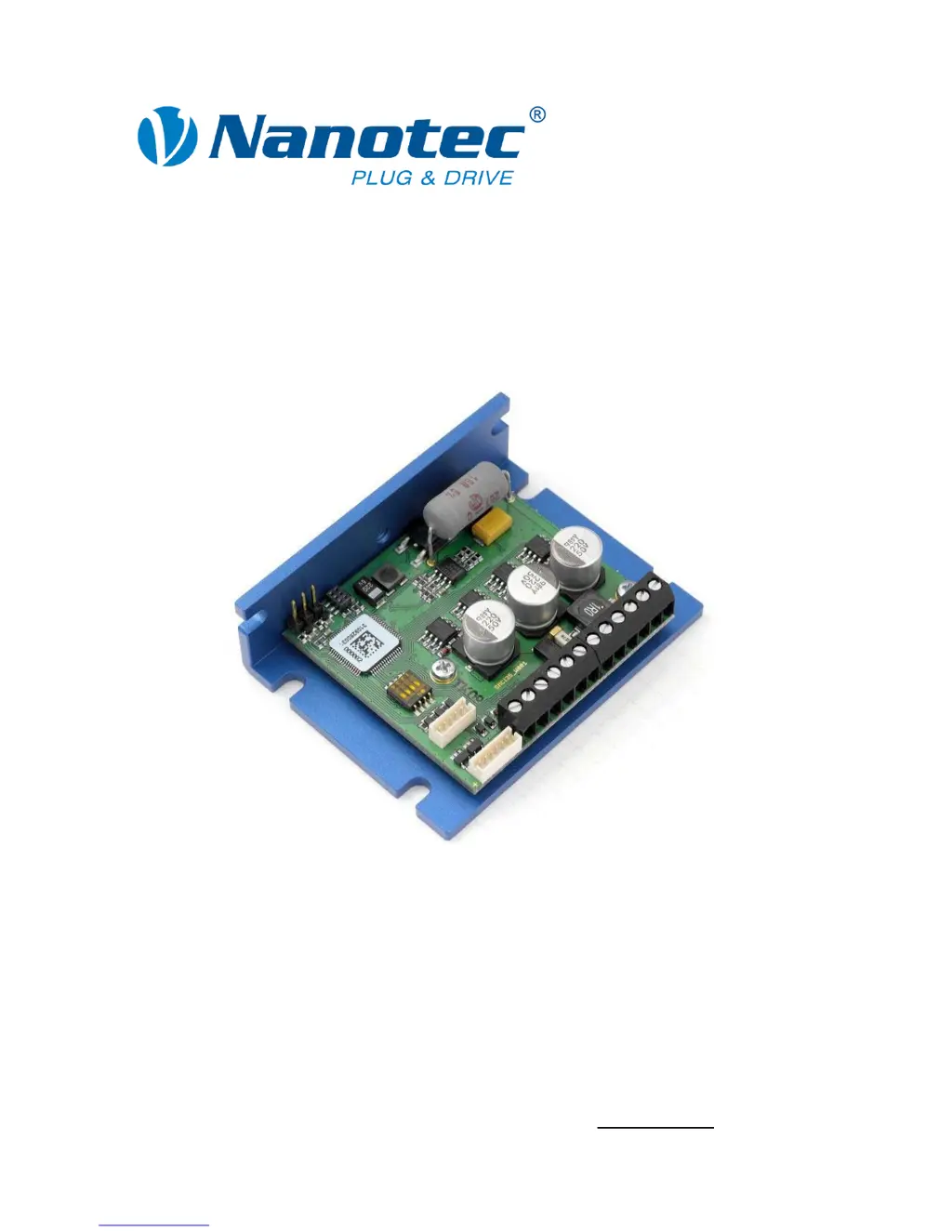
Stepper controller
SMCI35
NANOTEC ELECTRONIC GmbH & Co. KG
Gewerbestraße 11
D-85652 Landsham near Munich, Germany
Tel. +49 (0)89-900 686-0
Fax +49 (0)89-900 686-50
info@nanotec.de

Questions and Answers

  • A
    Austin WardAug 16, 2025
    How to fix position error on NANOTEC ELECTRONIC Controller?
    • K
      Kimberly LyonsAug 16, 2025
      If you encounter a position error with the NANOTEC ELECTRONIC Controller, it could be because the motor cannot reach the desired position or the limit switch has been overrun. To resolve this, click the button in the error message to reset the error.
  • K
    Kimberly TaylorOct 31, 2025
    Why is my NANOTEC ELECTRONIC SMCI35 Controller not ready?
    • C
      Christopher MeyerNov 1, 2025
      If the NANOTEC ELECTRONIC Controller is not ready, there might be several reasons: * An incorrect COM port may be selected. To resolve this, select the correct PC port in the "Communication" tab to which the SMCI35 is connected (e.g., "COM-1"). You can find the correct port in your PC's device manager. * The communication cable may not be connected or is interrupted, or an incorrect converter may be in use. Ensure the cable is properly connected and use the recommended converter from Nanotec: Order identifier: ZK-RS232-USB-3.3V. * A non-existent motor number (module number) may be set. Set the correct module address, referring to the NanoPro manual. * The power supply to the SMCI35 might be interrupted. Check the voltage supply and switch it on if necessary. * Another open progr...

Summary

1 Overview

SMC135 Key Functions

Lists the key features and capabilities of the SMC135 controller.

2 Connection and Commissioning

Connection Diagram

Shows the complete wiring setup for the SMC135 controller and motor.

Commissioning Procedure

Step-by-step guide for initial setup and operation of the controller.

3 Connections and Circuits

Inputs and Outputs (X4, X5)

Details pin assignments and functions for input/output connectors.

Motor and Power Supply (X3)

Covers pin assignments for motor and power, including current settings.

RS232 Interface (X1)

Describes the serial TTL RS232 interface for PC connection.

4 Operating Modes

Operating Mode Overview

Lists various operation modes and their applications.

5 Troubleshooting

Error Diagnosis and Solutions

Details common errors, their causes, and rectification steps.

NANOTEC ELECTRONIC SMCI35 Specifications

General IconGeneral
BrandNANOTEC ELECTRONIC
ModelSMCI35
CategoryController
LanguageEnglish