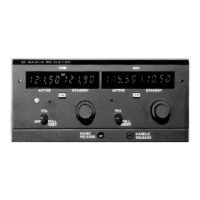
Should it appear that in changing frequency you lost count, you may rely on the factory pre-
programmed frequency of 110.50 in the Standby memory. However, you must turn the MK-
12DR OFF, then ON, to automatically set 110.50 into the Standby display. (Active
frequency being Kept-Alive, will not be affected by the turning OFF and ON of the Unit.)
Now channel
to the desired frequency using the detent-by-detent count off method. Transfer your blind
standby frequency to the Active channel, and then verify the results. Pull IDENT.
If wrong, transfer your original navigation frequency back to Active, then repeat the turn
OFF, turn ON, and the detent-by-detent channel selection.
COM SECTION:
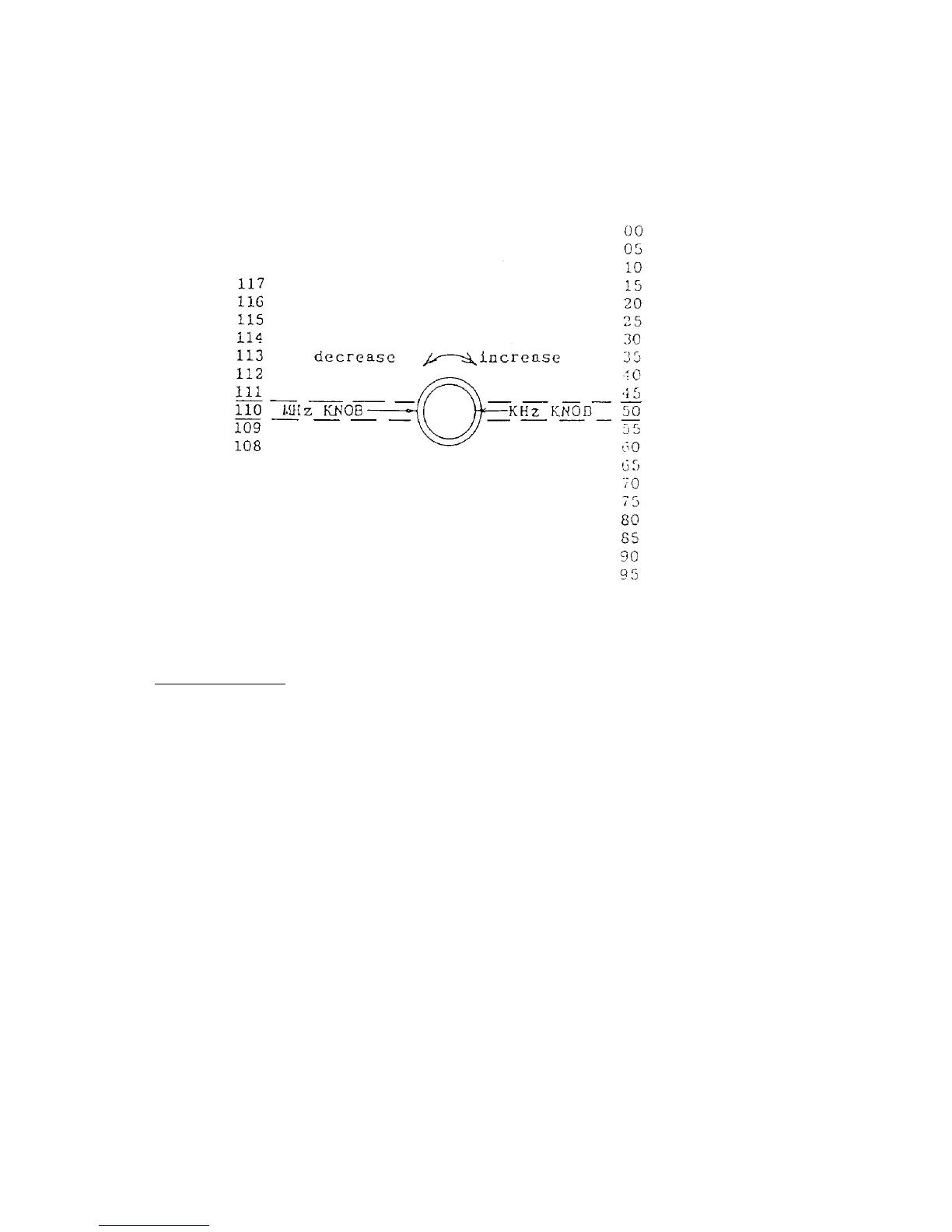
Knowing what frequency you had set in Active and Standby windows, it is now a matter of
rotating the KHz and MHz knobs clockwise (incrementing) and counterclockwise
(decrementing) detent-by-detent: KHz, 25 KHz steps, MHz, 1 MHz steps, to change
frequencies.
Remember all entries go into the Standby display window before they can be transferred to
the Active display memory.
Should it appear that in changing frequency you lost count, you may rely on the factory pre-
programmed frequency of 121.90 in the Standby window. However, you must turn the MK-
12DR OFF, then ON, to automatically set 121.90 into the Standby display. (Active
frequency Kept-Alive, will not be affected by the turning OFF and ON of the Unit.) Now
channel to the desired frequency using the detent-by-detent count off method. Transfer your
blind Standby frequency to the Active window, and then verify the results.
JUNE 1996 REV. C
13


 To Next Page
 Loading...