08 09
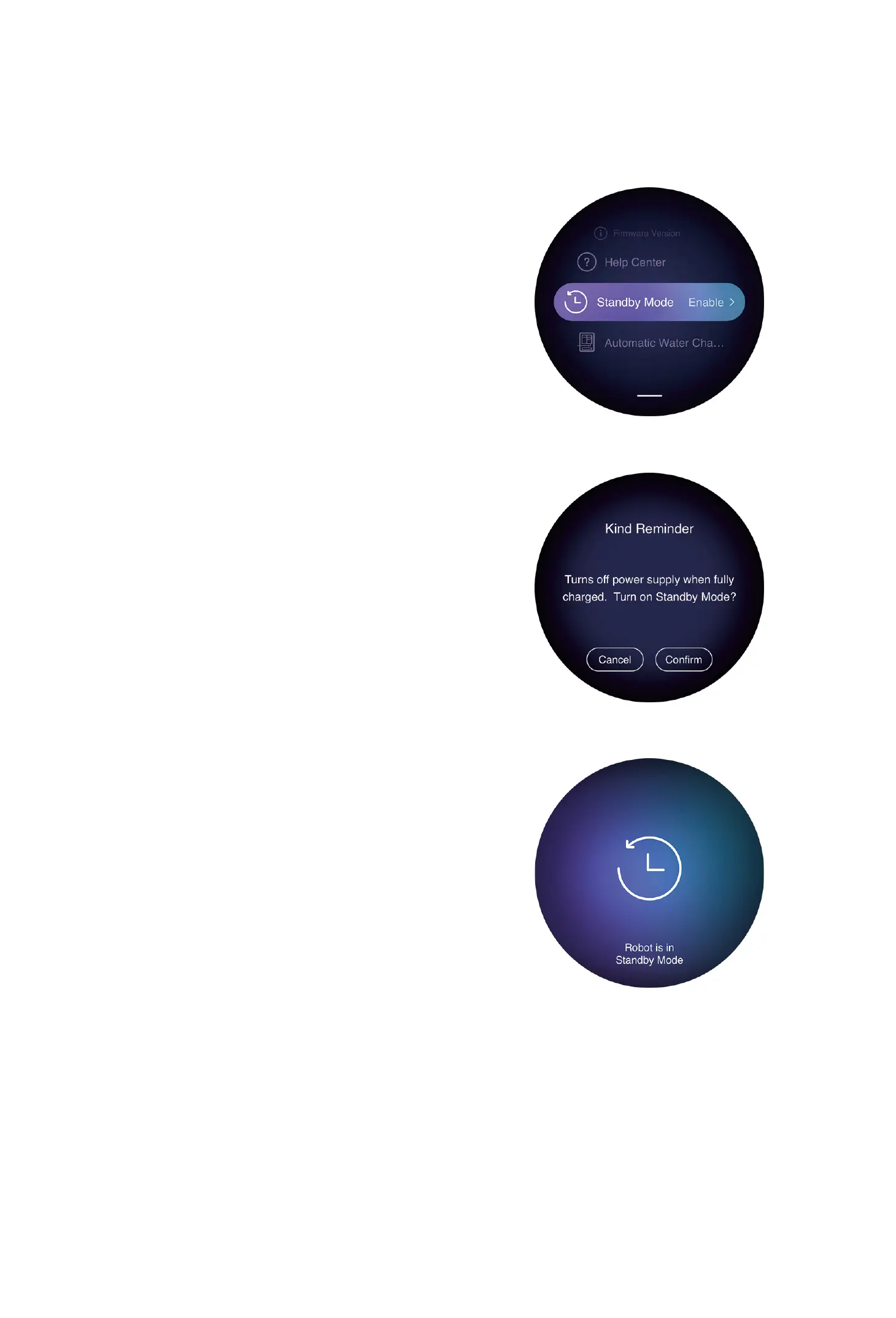
Control Panel Overview Standby Mode
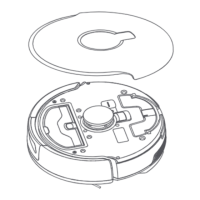
Robot Control Panel
Buon/indicator light Operations and Functions
Ring buon
Click: Clean the whole house
Press and hold the buon for 3 seconds:
Power on/o
Ring indicator light Solid white indicator: The device is
powered on/drying/charging
White breathing light: Standby
Blue breathing light: Networking
Solid purple indicator: Task in progress
Purple breathing light: Task is paused
Red breathing light: Error
Reset buon Press and hold the buon for 5s to reset
the robot
1. Click the Standby Mode.
2. Click "Confirm".
3. Enter Standby Mode.


 To Next Page