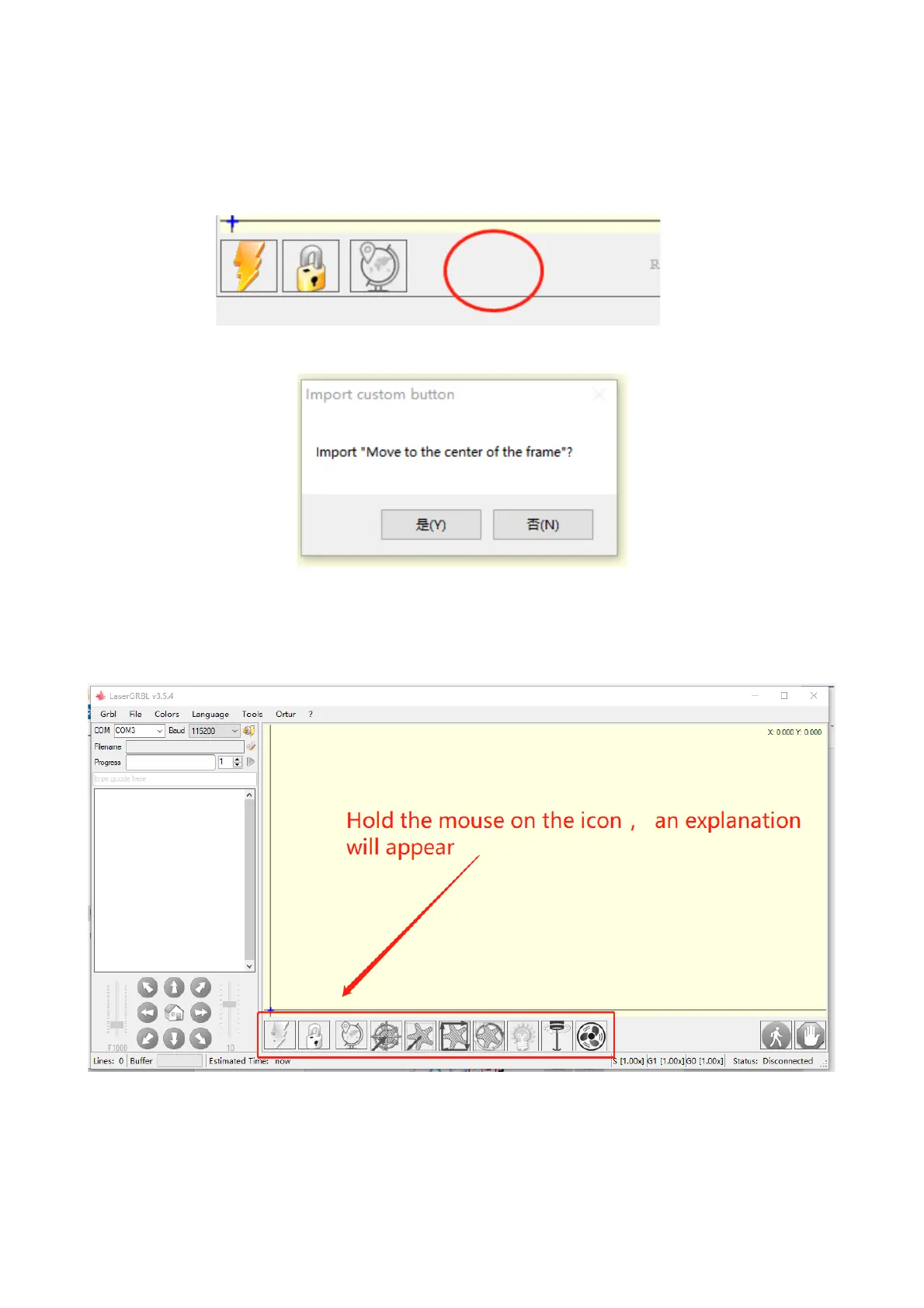
select the custom button zip file downloaded before to import, keep
pressing Yes (Y) until no window pops up.
The installed software is shown as the following figure.
4. connect laser engraving machine
A. Connect the engraver to a computer with LaserGBRL software
installed.
!"#$%&' 3.4 #%)$*0(1%$$*.(/*-5".4
(
!"#$%&'3.5 Software button
(
!"#$%&'(3.3 adding custom button
(


 To Next Page