B4D
English – 3
DEUTSCH ENGLISH
3. Startup
3.1. Wall Power Supply and On-/Off-Switch
B4D has a wall wart type supply for power. The plug socket for the wall power
supply (
9V AC
) is located in the rear of the unit.
Connect the wall power supply only while the B4D is switched off and use
solely the provided power supply in order to avoid malfunctions or damages.
Remove the power plug from the electricity outlet if you are not using the B4D
for a longer time.
3.2. Connecting the MIDI cables
The B4D has a socket for receiving MIDI data (
MIDI-IN
) as well as a socket
for sending MIDI data (
MIDI-OUT
). The sockets are located in the rear of the
unit.
Furthermore, there are the
LINK IN
and
LINK OUT
sockets, which serve
among other things, to integrate multiple B4Ds into your system. The
possibilities are manifold. Some examples:
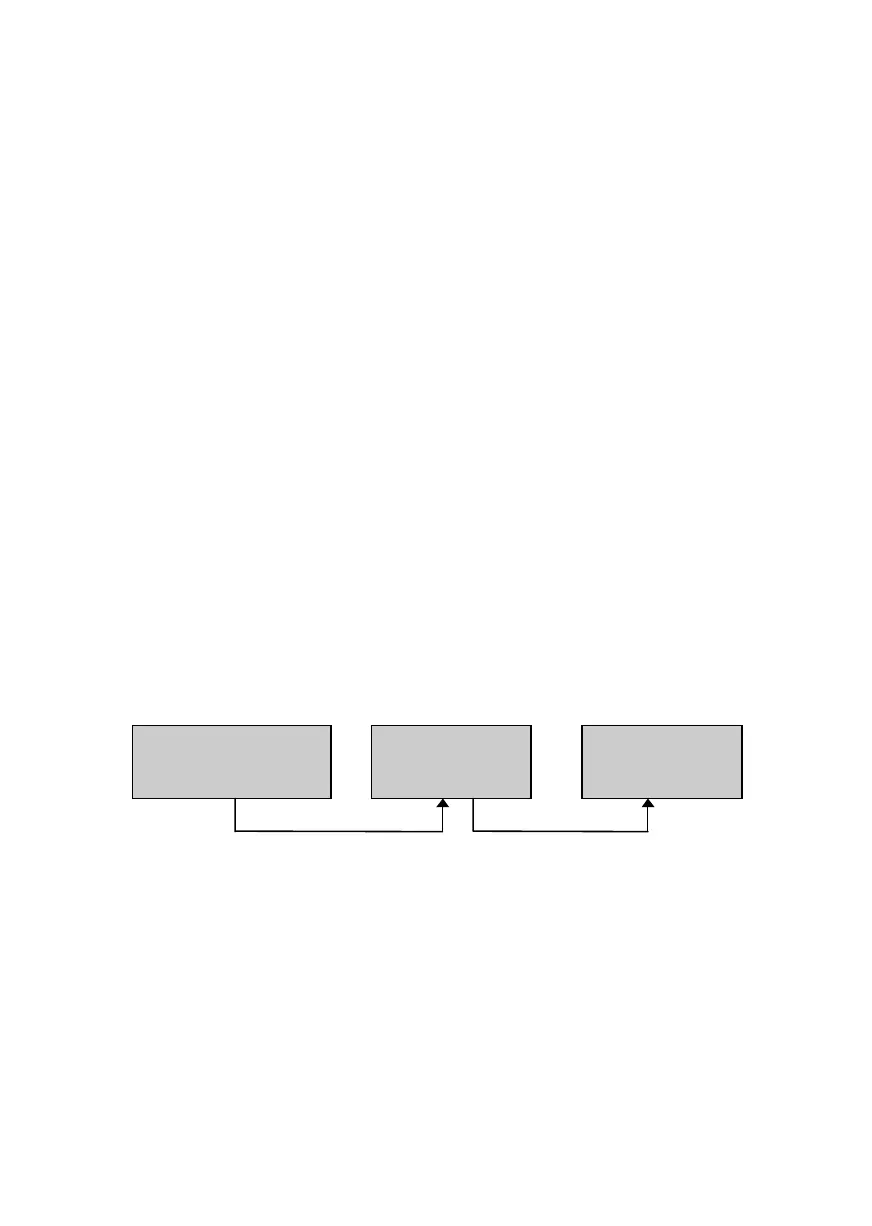
Example 1: System with MIDI Keyboard and one B4D.
Here the B4D is inserted into the MIDI chain between the MIDI keyboard and
the PC. The data coming from the keyboard is merged with the data of the
B4D (MIDI Merge).
MIDI-Keyboard
In Out Thru
MIDI
B4D
In Out
IDI
PC
nOut
MIDI



 To Next Page