14
Sensor Level
Flash Mode
Work period
Set Exit
Sensor Level
OK
High
MENU
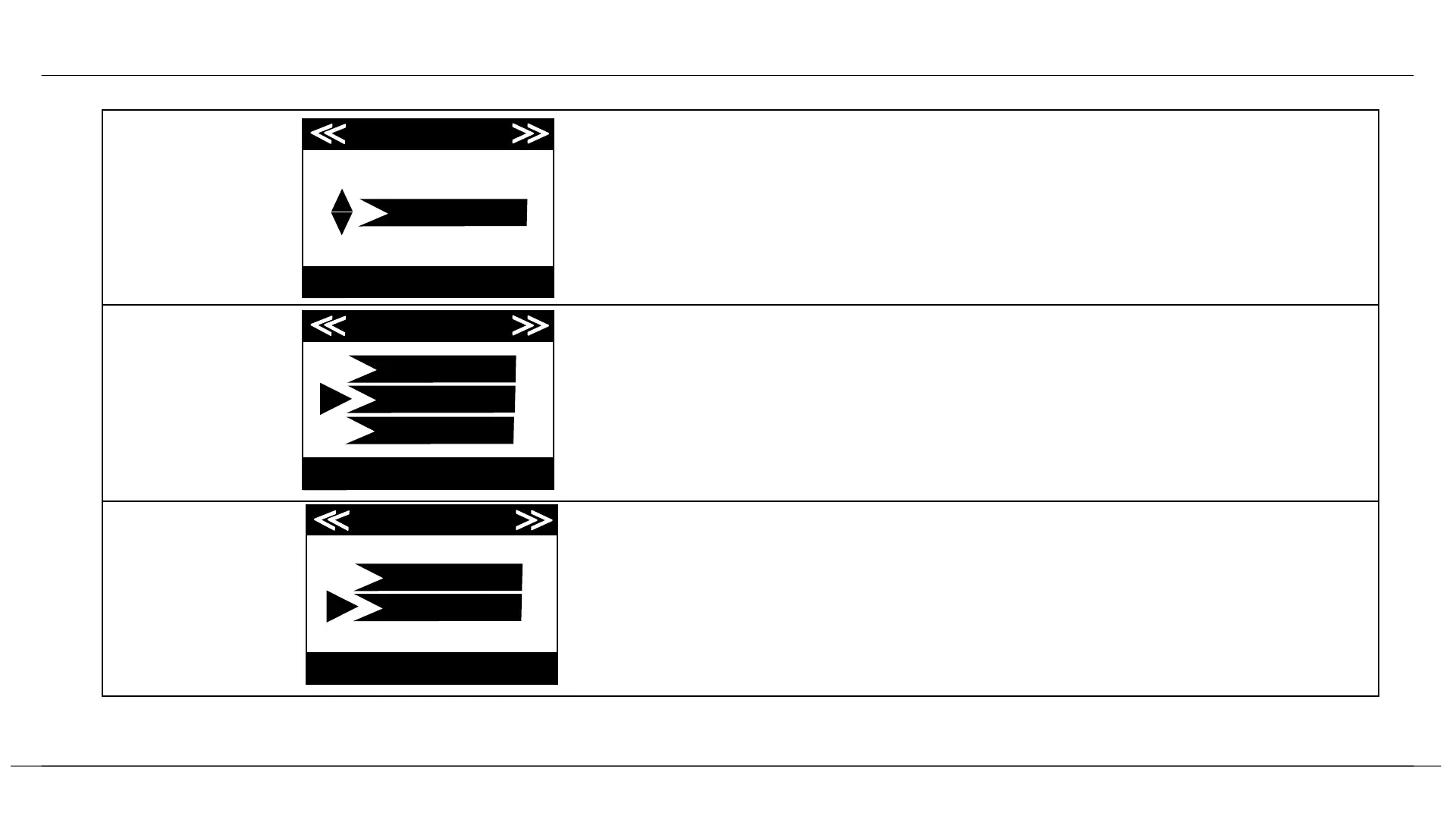
Four options: Auto, Low, Normal, High. We recommend leaving on
High, and changing if you get too many false triggers.
Set Exit
Flash Mode
OK
Fast Motion
MENU
Low
Long Range
Three options: Low, Fast Motion, Long Range. We recommend Fast
Motion as default, but Long Range if you need to light a bigger area,
and Low if you are closer to the subject.
Press OK on the On option and use UP/DOWN keys ( to change the
setting ) and LEFT/RIGHT keys ( to move to the next field ) to set
time. Once all settings are made, press OK to save. The camera will
then only trigger during the set period.
Set Exit
Active Period
OK
MENU
off
on
Settings


 To Next Page