6
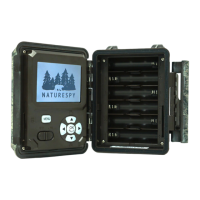
1. Load 6x lithium AA (non rechargeable) or alkaline AA batteries
2. Insert the SD card
3. Move the switch to the On position
4. Press the MENU button
5. Press the UP / DOWN button to select Photo, Video or Dual Mode
6. Press the OK button to select desired option
7. Press MENU to return the main screen. Camera will eventually display a
countdown – at the end, the screen will turn off and the camera will be
armed and ready to go!
Quick Start


 To Next Page