3. Operating Instruction
3.1 Card and USB
Note: Make sure there are supported picture files in the Card or USB device.
3.2 Picture Mode
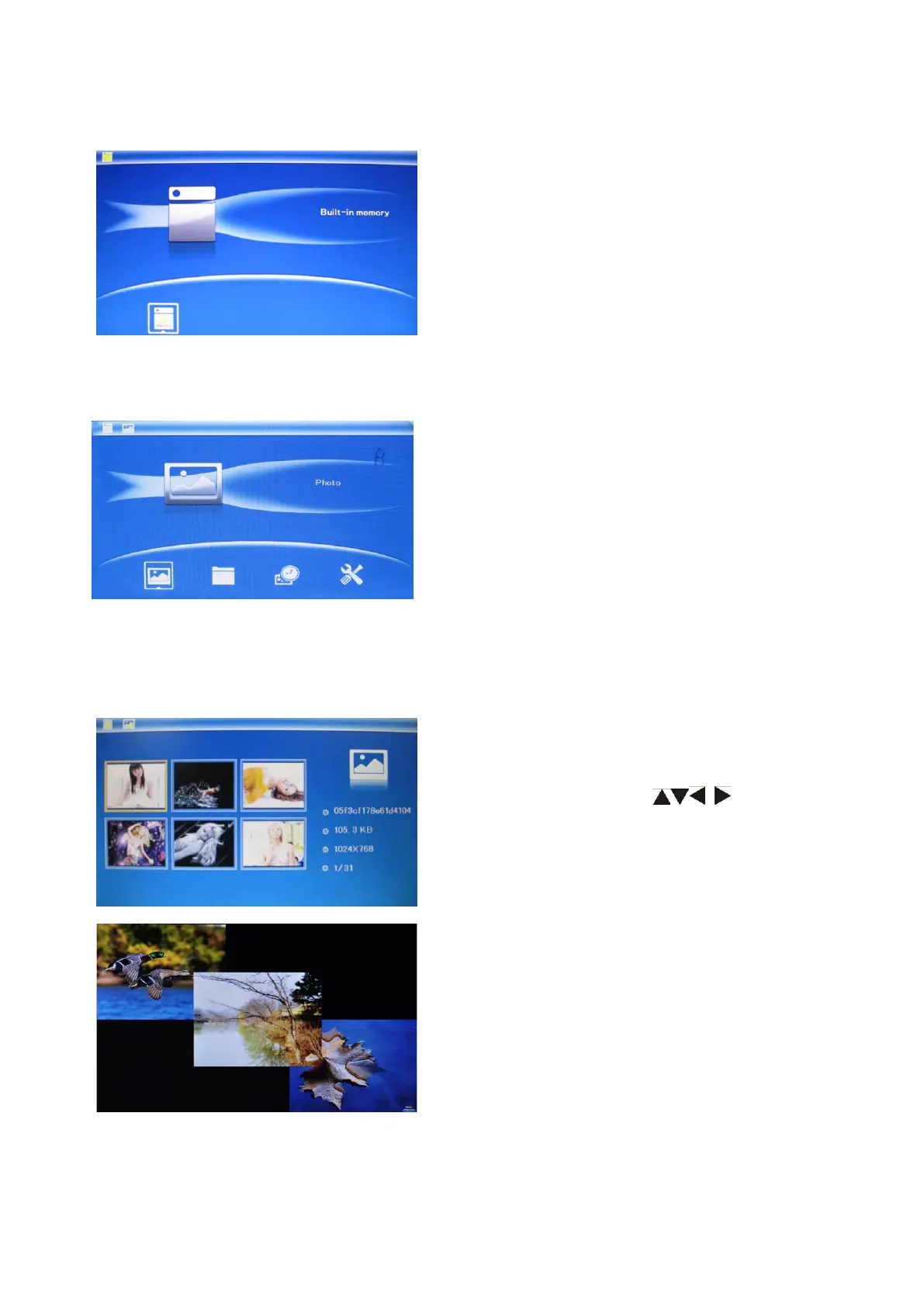
After turning on the unit, it will show the
startup picture, Then go to Main Menu after
3-5 seconds automatically, press MENU to
access to Card choosing interface.
It supports SD/MMC/SDHC and USB 2.0.
After inserting a ca
slideshow will play automatically, then
press MENU twice to access to Photo, File,
Calendar and Setup Main Menu interface.
Press OK to choose "SD/MMC CARD" in
the card choosing interface. Highlight
Photo, press OK to access to the
six-picture mode, use to choose
the picture you want to display, press OK to
play the picture.
Press OK to start slideshow pictures in the
selected slide mode.
Change slide mode as follows: press EXIT
to SETUP,and then choose SLIDE MODE
(single window/ four windows/triple
windows), select with , press OK to
confirm.
5



 To Next Page