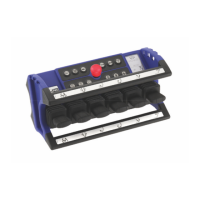
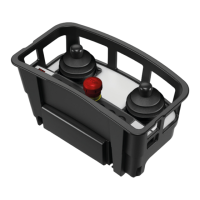
TEACHMODE
NBB Controls+Components GmbH Otto-Hahn-Str. 3-5 D-75248 Ölbronn-Dürrn Tel.: 07237-999-0 Fax: 07237-999-199
Set all analog channels to 0-position and release the
switch.
Wait until a radio connection is present. Press and hold the buttons “S2”, “S5” and
“S6”.
As a confirmation the horn will be activated briefly twice in a row and “TEACHMODE
ON” is shown on the display.
Release the buttons “S2”, “S5” and “S6”.
To determine the analog function you want to program, the
must be deflect completely briefly in the direction of this function and returned back to
0-position.
If a new analog function or the opposite direction is programmed or you switch
between the minimum and the maximum speed of a channel, the desired analog
function must be selected again.
Press the button “S9”. A tortoise is shown on the display.
The lower threshold value is saved by deflecting the master switch until the desired
minimum speed of the function is reached and pressing the “S1” button.
Press the button “S8”. A rabbit is shown on the display.
The upper threshold value is saved by deflecting the master switch until the desired
maximum speed of the function is reached and pressing the “S1” button.
The opposite direction can be programmed in the same way. See point
.
Programming several analog channels successively:
Afer saving a value with the button “S1”, the next analog channel can be programmed.
Start again from point 2).
To cancel a current programming process, press the button “S12”.
Press the
switch. Release the
switch after
2 seconds and press the button “ON/HORN(S7)” to switch on the control.
programming
mode
function
minimum speed
maximum speed
opposite direction
of the next analog
function
programming
mode
Set all analog channels to 0-position. Release the
switch. Wait
until a radio connection is present. Then press and hold the buttons “S1”, “S5” and
“S6”.
The factory settings/ default values are automatically restored. As a confirmation the
horn will be activated briefly four times in a row.
Release the buttons “S1”, “S5” and “S6”.
After that press the EMERGENCY STOP switch and release it after 2 seconds, to
switch into the working mode.
factory settings /
default values


 To Next Page
 Loading...