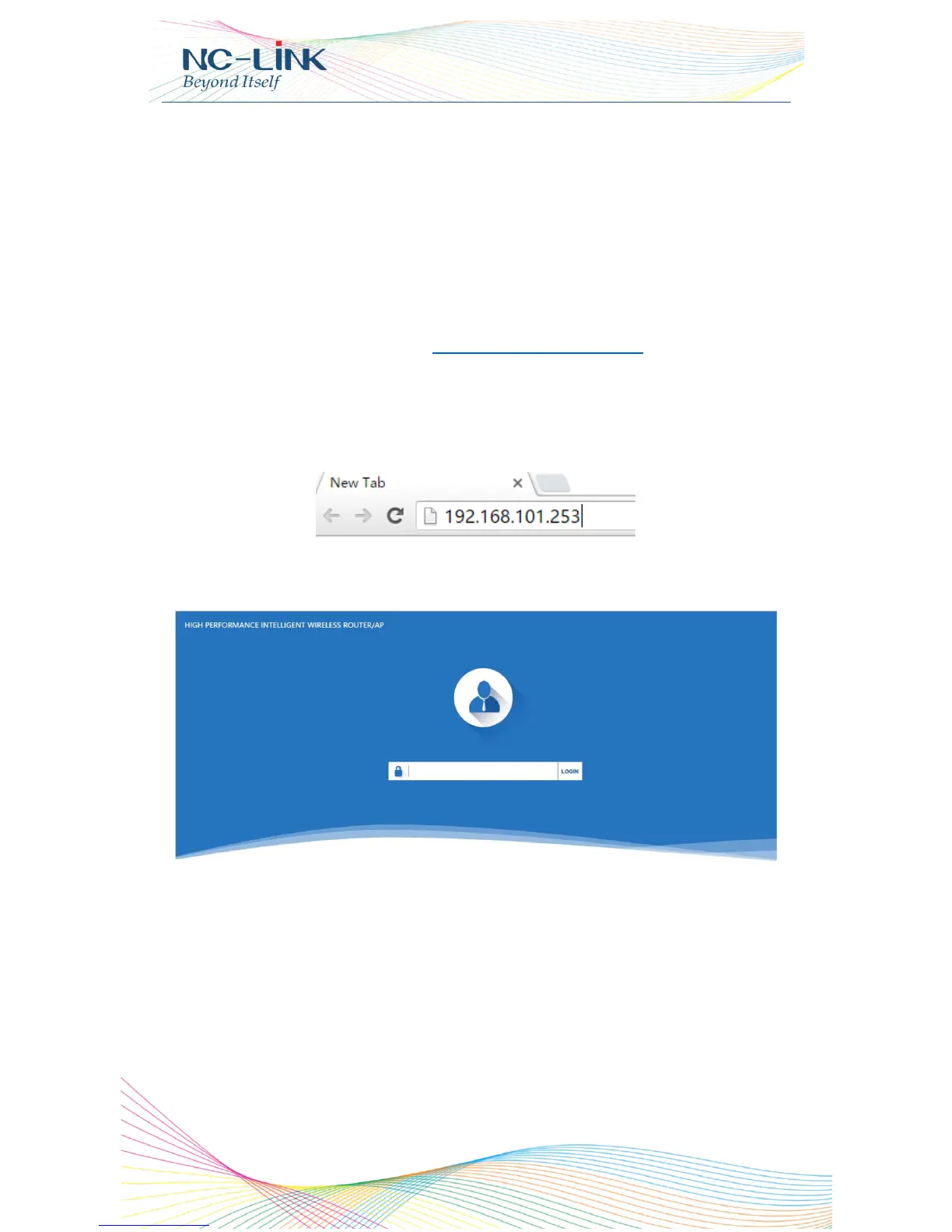
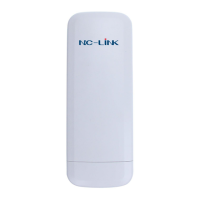
Default password is admin
RJ45 Connector
NC-AC44APP with 2 x 10/100M/1000Mbps auto-negotiation RJ45
Ethernet Port
NC-AC21AP with 2 x 10/100Mbps auto-negotiation RJ45 Ethernet Port
3. Login
Connect your PC to the NC-AC44APP LAN Port, then login Web Management
Page with default IP Address: http://192.168.188.253
Default password: admin. Below base on Chrome browser.
Login Steps:
Open Chrome browser, input http://192.168.188.253 in the address bar to login
Access Point
Login screen require password, the default is admin, input it and click “LOGIN”
After login, you can see below Web page.

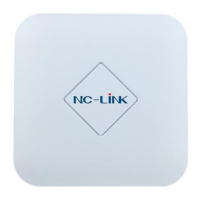

 To Next Page