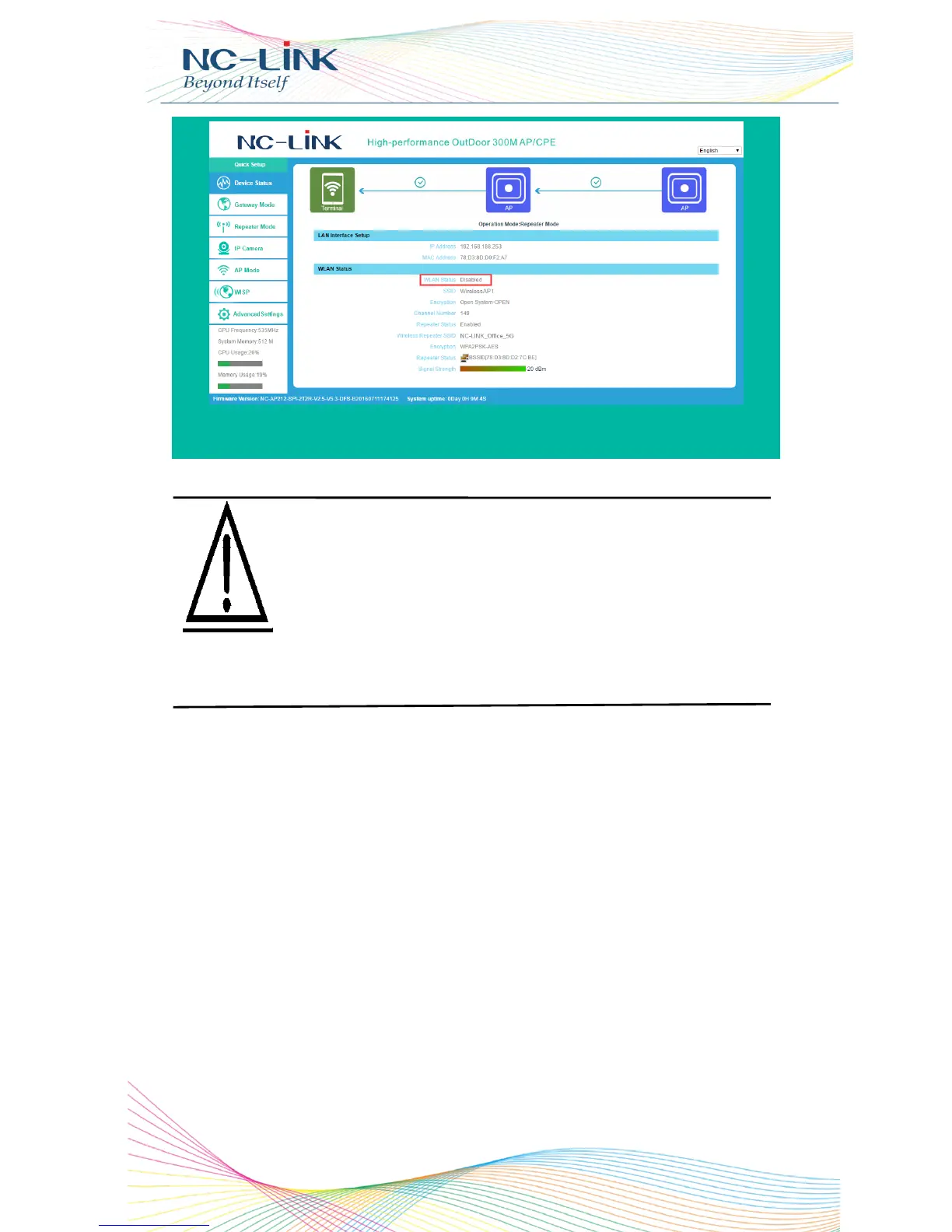
d) LAN Port Setting
Click Advanced Settings Network, LAN Settings, the web management
page will be as follow:
IP address: it is CPE’s management address. In Bridge Mode, the LAN
port address has nothing to do with PC’s IP Address. Modify it according
your require. (It is not in the same network segment with Internet IP
address from WAN)
Choose Disable in DHCP Server, click Apply
Please scan several times more if haven’t find the
target SSID in scan list. If can’t find it still, make sure
the CPE support the channel of WLAN station or AP.
For example: AP’s channel is Channel 14, but CPE
support Channel 13. In addition, check the CPE and
AP’s wireless protocol to see if match. Or restore
CPE to factory default.


 To Next Page