2. CPE Start and Login
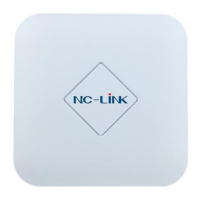
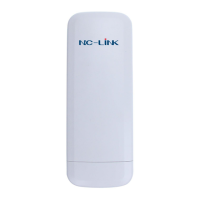
Power the CPE as P2 show
Configure the Computer’s IP Address : Set the computer’s IP address as
192.168.188.X (X is number between 2-252), make it same as CPE’s network
segment, then set Subnet mask is 255.255.255.0, Default gateway leave it
blank, then click OK.
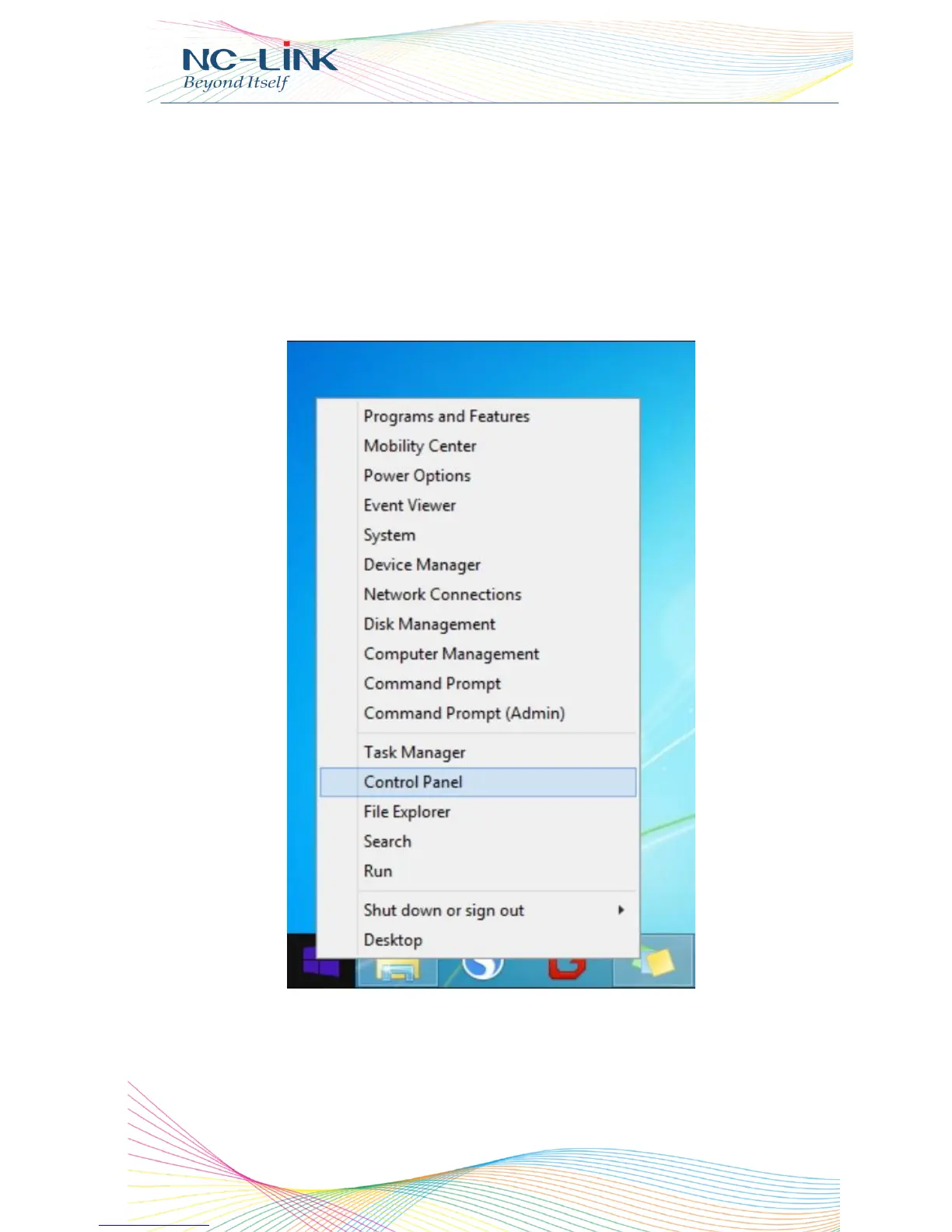
Follow P3 and P4 for wired configuration.(Window 8.1 is an example)
P3 Configure the computer’s IP address by wired


 To Next Page