NCM
LYON
18
DISPLAY
5.3.2 CURRENT DISPLAY
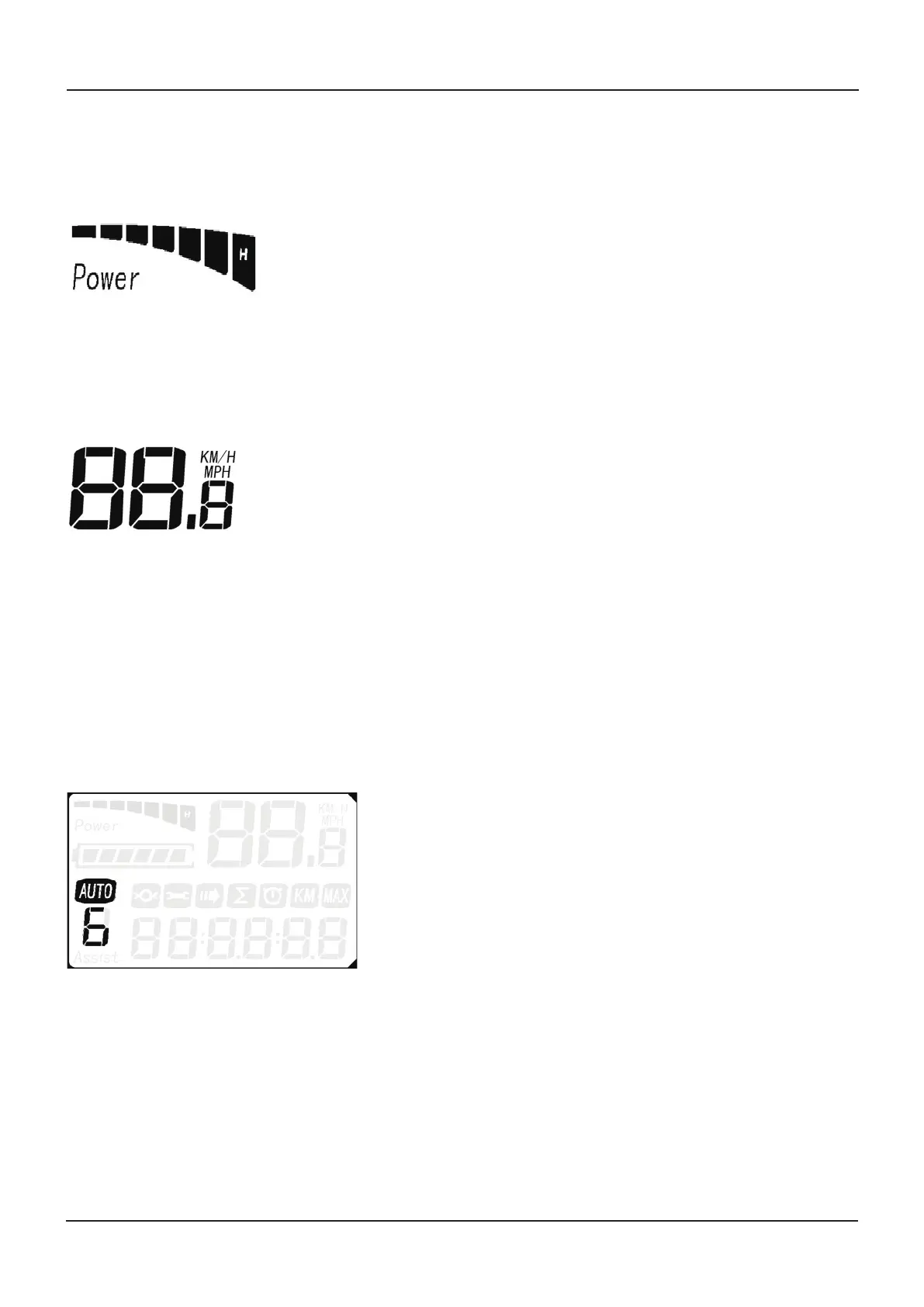
The current indicator shows the present discharging current of the controller: each segment is 2A; six segments are
>=12A (The bar graph shows in real time the output power of the motor. 1 bar – low power, all bars – full power.)
5.3.3 SPEED DISPLAY
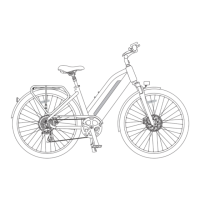
The top-right of the display indicates the current riding speed of the E-bike. The unit of measure is factory set to KM/H; if
you want to change the display to MPH, please contact your dealer or online service technician.
5.3.4 BACKLIGHT INDICATOR
With the power on, press UP (+) for 2 seconds to turn on the backlight. Press it for 2 seconds again to turn off the back-
light.
5.3.5 WALK MODE
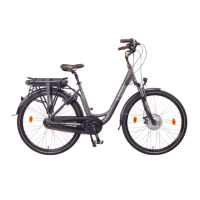
Hold DOWN (-) for 2 seconds to enter the power-assisted walk mode. When the AUTO icon is lit, the E-bike will travel at
6km/h without the need for the rider to pedal. Assisted walk mode will cease when the “-“ button is no longer being
pressed.
5.3.6 ASSIST LEVEL SELECTION
Press UP (+) or DOWN (-) to change the PAS level and thus change the power output of the motor. The default mode is
PAS 1 and assistance ranges from level 0 to level 6. Level 0 provides no assistance from the motor. The levels are
customizable.


 To Next Page