20
DISPLAY
NCM
LYON
5.4 SET OPEARATION
Hold UP and DOWN same time for 3 seconds will enter SET display. Hold M alternately to set parameter. Hold UP and
DOWN same time for 1 second or no operation for 5 seconds and save automati cally to leave SET.
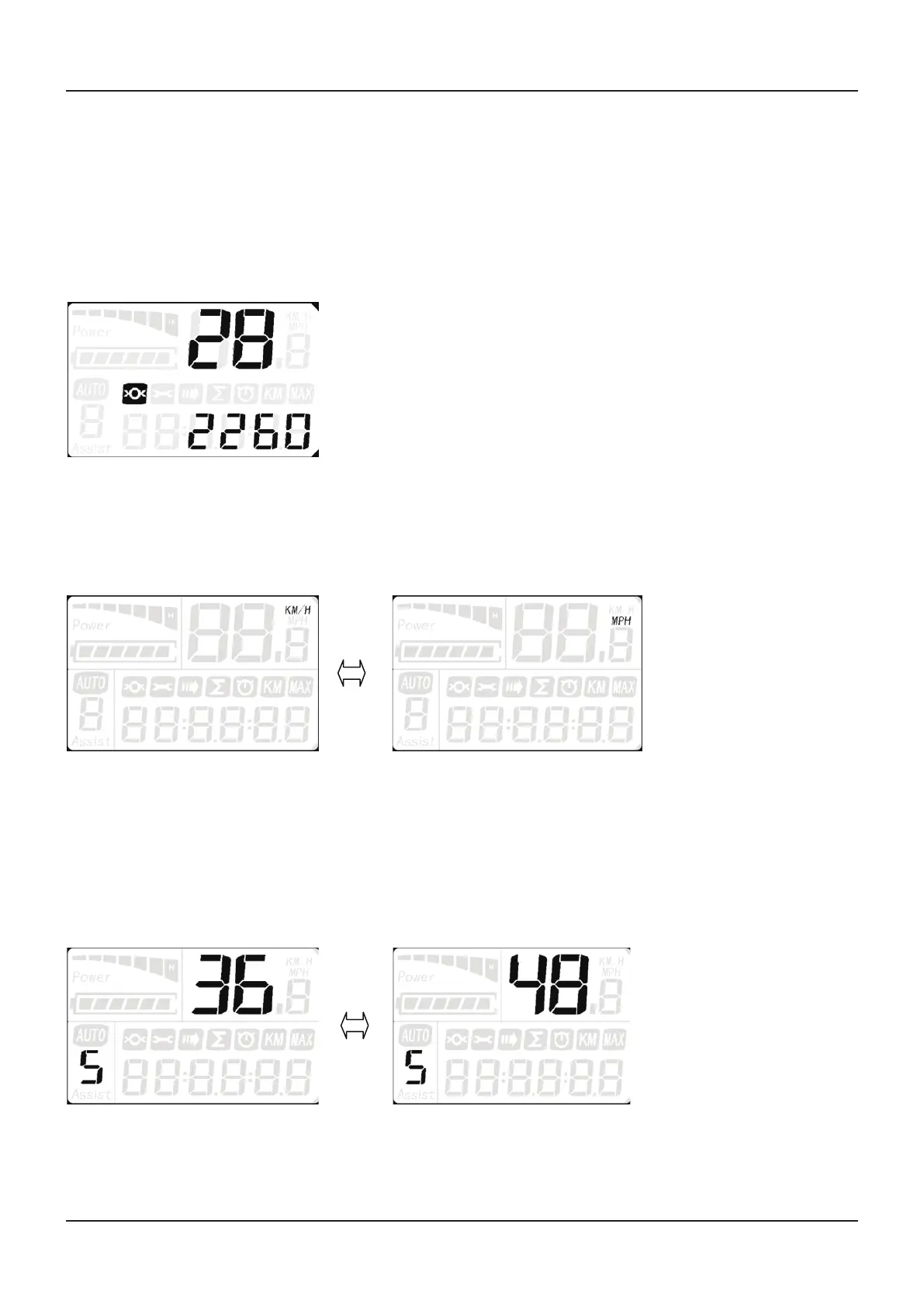
SET 1 Wheel diameter setting
Press M one time to enter into wheel diameter setting. Select the accurate wheel diameter value to ensure the accuracy of
display about speed and mileage.
※ Click UP or DOWN to set the wheel diameter.
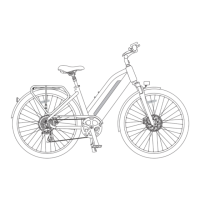
SET 2 KM/H & MPH
Press M button two times, then press UP or DOWN to switch from KM/H and MPH.
SET 3 Three kinds of riding mode
Press M three times, then press UP or DOWN to switch the riding mode.
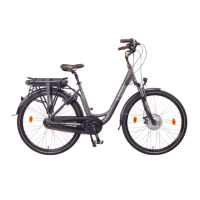
SET 4 Voltage
Press M four times, then press UP or DOWN to switch 36V/48V.


 To Next Page