EasyManua.ls Logo

NDS Smart-in SM Series - User Manual

NDS Smart-in SM Series
32 pages
Print Icon
To Next Page IconTo Next Page
Loading...
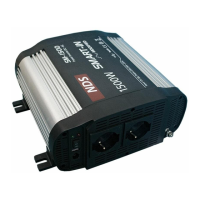
Smart-in
DC/AC
POWER CONVERTER
SM-Series and SP-Series
User Manual
1
EN IT
Question and Answer IconNeed help?

Do you have a question about the NDS Smart-in SM Series and is the answer not in the manual?

Summary

1. Introduction to Smart-in Inverters

2. Smart-in Inverter Models

3. Important Safety Instructions

4. Protection Features of Smart-in Inverters

5. Smart-in Inverter Mode of Operation

6. Indicator Lights and Controls

7. Troubleshooting Interference Problems

8. Battery Requirements and Sizing

9. Mounting and Connecting the Inverter

9.1 Installation Steps

Detailed steps for physically mounting the inverter and connecting DC power.

9.2 AC Loads Connection Steps

Steps for connecting AC appliances to the inverter's output.

10. Rated vs. Actual Load Current

11. Fuses Replacement Procedure

12. Routine Maintenance Guidelines

13. Technical Characteristics

14. Product Warranty Information

NDS Smart-in SM Series Specifications

General IconGeneral
BrandNDS
ModelSmart-in SM Series
CategoryMedia Converter
LanguageEnglish