Attach Tilt/Swivel Base
To attach the AccuSync monitor to your system, follow these
instructions:
1. With the monitor unplugged from your system and the wall outlet, carefully
turn the monitor upside fown on a firm table (Figure TS.1).
2. Position the six hooks of the tilt/swivel base into the six holes on the bottom of
the monitor (Figure TS.2).
3. Slide the tilt/swivel base forward until the latch of the tilt/swivel base is secure
(Figure TS.3).
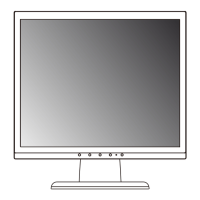
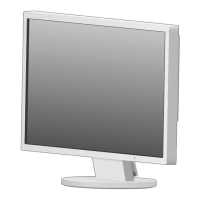
4. Having successfully installed your tilt/swivel base, carefully turn the monitor
right side up (Figure TS.4).
NOTE: For correct use of monitor, completely attach tilt/swivel base to the monitor.
NOTE:
To avoid self injury or damage to the monitor, attach and remove tilt/
swivel base with care.
Quick Start
3
Figure TS.1
Figure TS.2
Bottom of monitor
Top of monitor
Firm Table
Figure TS.4
Figure TS.3
CAUTION: Make certain that the tilt/
swivel base is locked firmly into place
before turning the monitor upright.
AS507090.wpc 5/14/01, 11:22 AM5








 To Next Page