Toolbox -130-
Calculator (press "MENU" key → select “Toolbox” → select “Calculator”)
Calculator
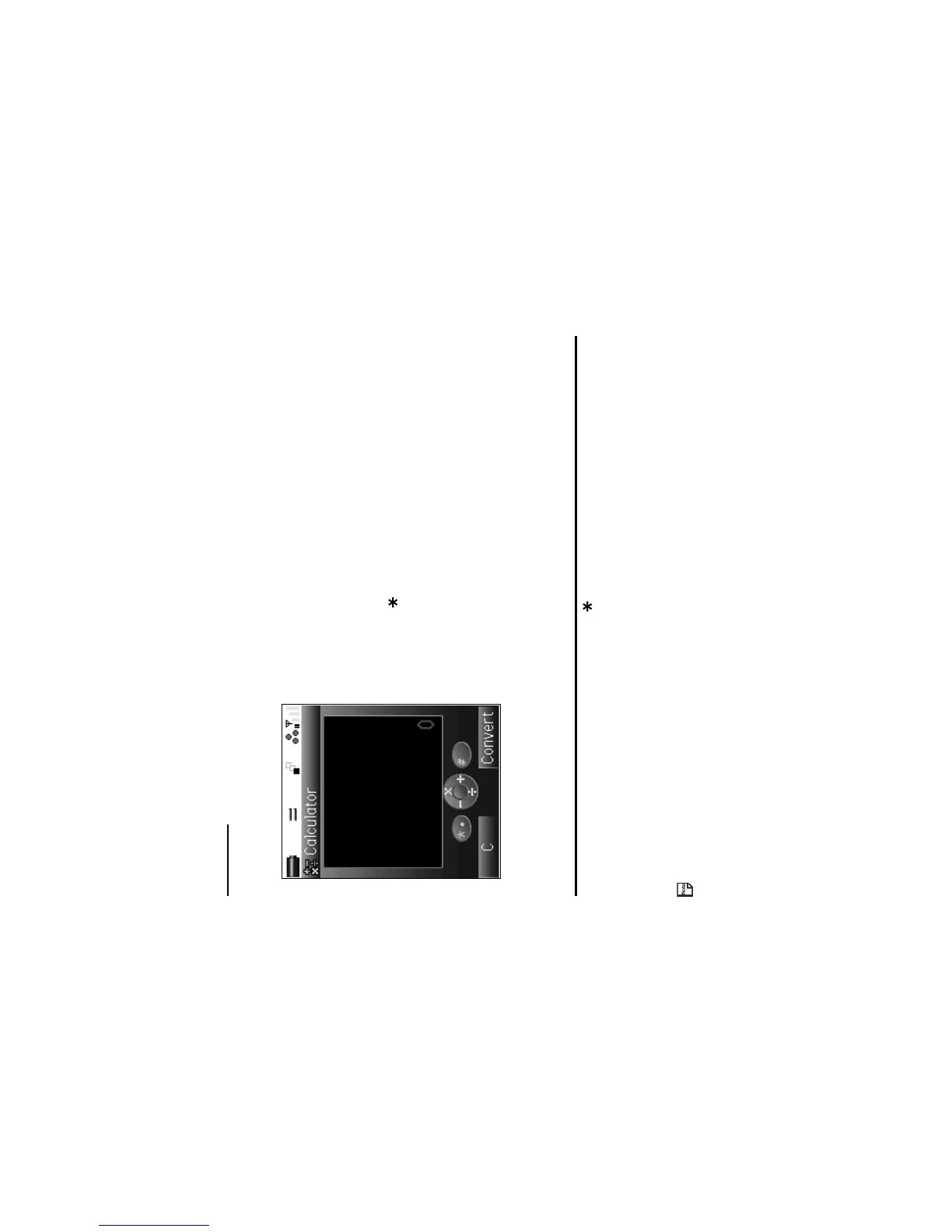
Your e313 has a built-in calculator, which can add, subtract, divide and multiply. Use the following keys:
To Use the Calculator
In this example, we are going to multiply 10.5 by 10.
When switching from the currency converter to the calculator, the cash amount value of the currency converter is
displayed in the totals area of the calculator unless the currency calculation result is displayed.
To Do this
1 Enter 10.5
Press 1, 0, and 5 keys.
2 Multiply Press the Up key.
3 Enter 10 Press 1 and 0 keys.
4 Get the answer Press the Enter key.
5 Clear the display Press the SK1 key.
17:15
• Use the Right key as + key
• Use the Left key as - key
• Use the Up key as × key
• Use the Down key as / key
• Use the Enter key as = key
• Use the key to enter a decimal point
• Use the SK1 key as AC key or to clear the figure
• Use the # key as +/- switch key
• Use the SK2 key to switch to the currency converter



 To Next Page