Index
Warning, Caution ..........................................................................................................................English-1
Registration Information ...............................................................................................................English-2
Recommended use ......................................................................................................................English-3
Safety Precautions and Maintenance ..................................................................................English-3
Ergonomics ..........................................................................................................................English-4
Cleaning the LCD Panel .......................................................................................................English-4
Cleaning the Cabinet ............................................................................................................English-4
Contents .......................................................................................................................................English-5
Quick Start ....................................................................................................................................English-5
ControlSync ..................................................................................................................................English-11
Multiple monitors connection using DisplayPort ...........................................................................English-13
Controls ........................................................................................................................................English-14
Specifi cations ...............................................................................................................................English-23
Features .......................................................................................................................................English-24
Troubleshooting ............................................................................................................................English-25
Using the Zoom Function .............................................................................................................English-27
Multi Display setting .....................................................................................................................English-28
Human sensing function (Option sensor only) .............................................................................English-30
Using the Auto Brightness function (Option sensor only) .............................................................English-31
Manufacturer’s Recycling and Energy Information .......................................................................English-32
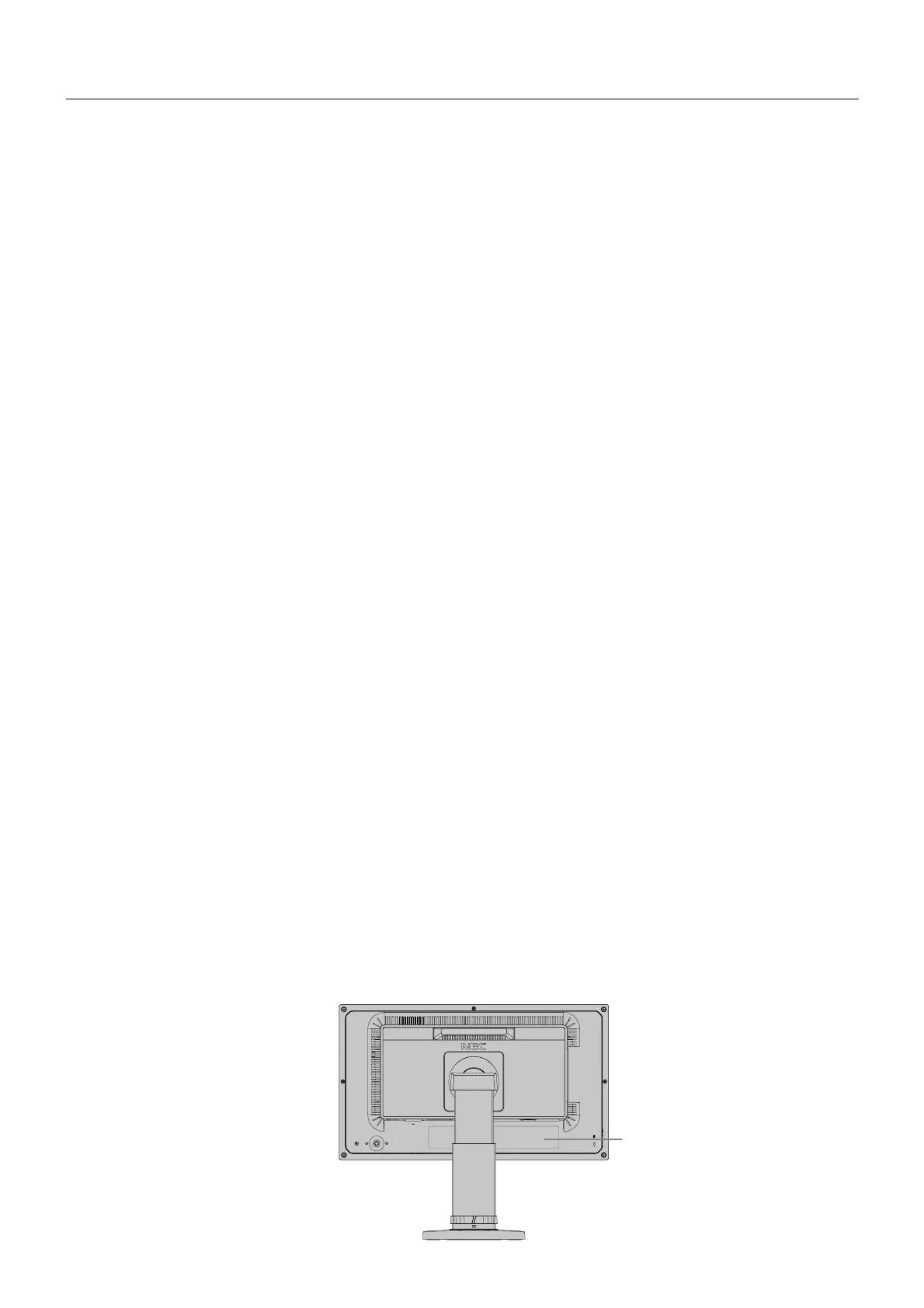
The model name is on the label.
Rating label on the
back of the display.




 To Next Page