EasyManua.ls Logo

Necta Vending Solutions SpA Sfera - Page 40

Default Icon
68 pages
Print Icon
To Next Page IconTo Next Page
To Previous Page IconTo Previous Page
Loading...
© by NECTA VENDING SOLUTIONS SpA
0404 211 - 02
36
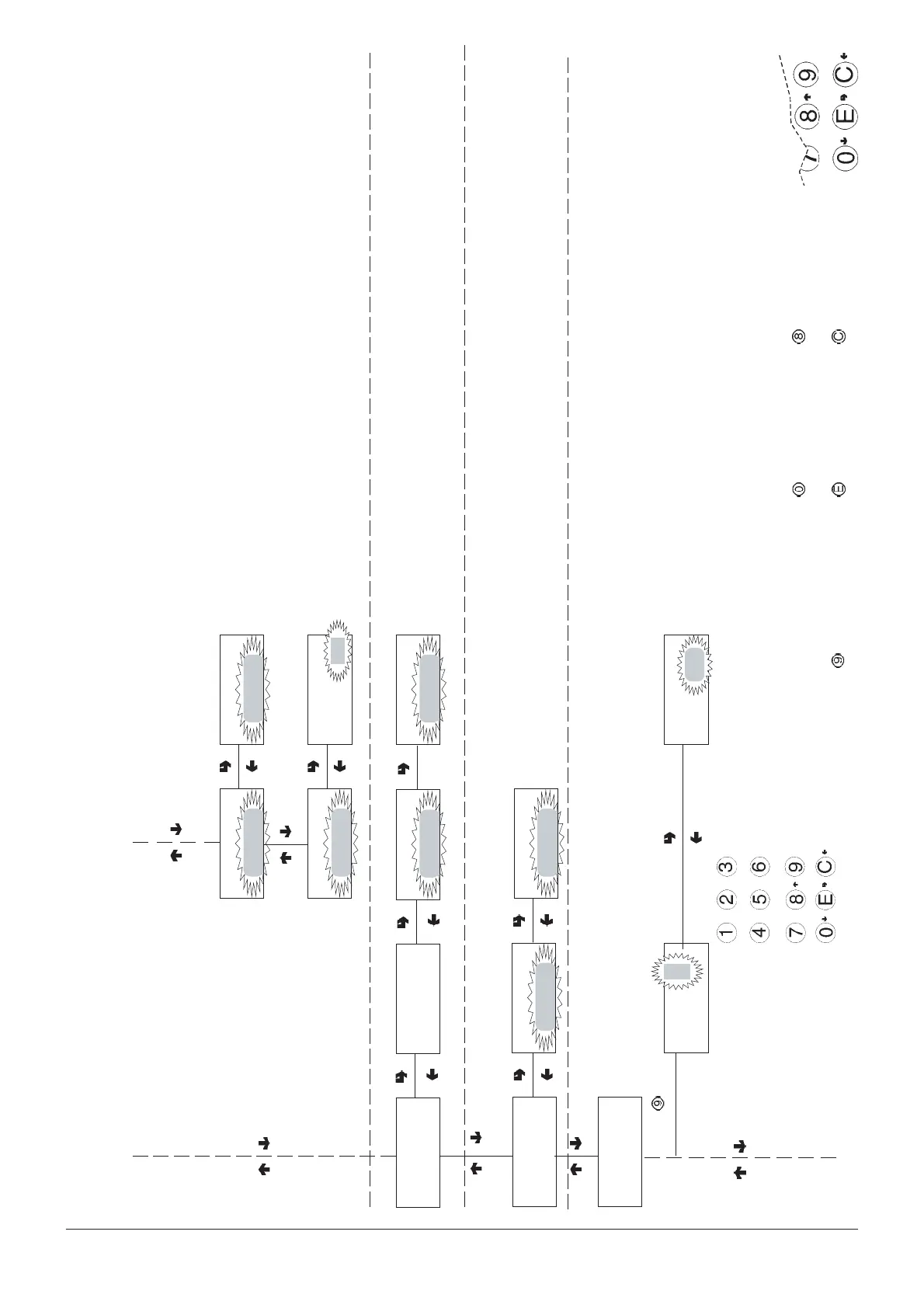
Filler menu - Summary
CONFIRM DATA/
CONFIRM FUNCTION
DELETE DATA/
EXIT FUNCTION
PREVIOUS FUNCTION/
DECREASE DATA UNIT (-1)
NEXT FUNCTION/
INCREASE DATA UNIT (+1)
DIRECT ACCESS TO CHANGE
PRICE OF BAND 0
Confirm?
Disp. compt. lock
ON/OFF
Disp. compt. lock
With dispensing compartment
lock present
Confirm?
Direct keypad test
Direct keypad test
Press 1 button
#
When pressing the button, the
next button is presented
automatically
Connection
FILL>7.1
FILL>7
EVADTS
Wait please
FILL>7.1
FILL>1
Statistics
Selection 10
Price =
Selection
Price = ####
Enter numeric value
10
####
FILL>6
GSM
Reset pre-alarm
counters
Confirm?
Delete total
Working...
Delete total
Resetting pre-alarm counters
Awaiting the connection with
EVADTS device