© by NECTA VENDING SOLUTIONS SpA
44
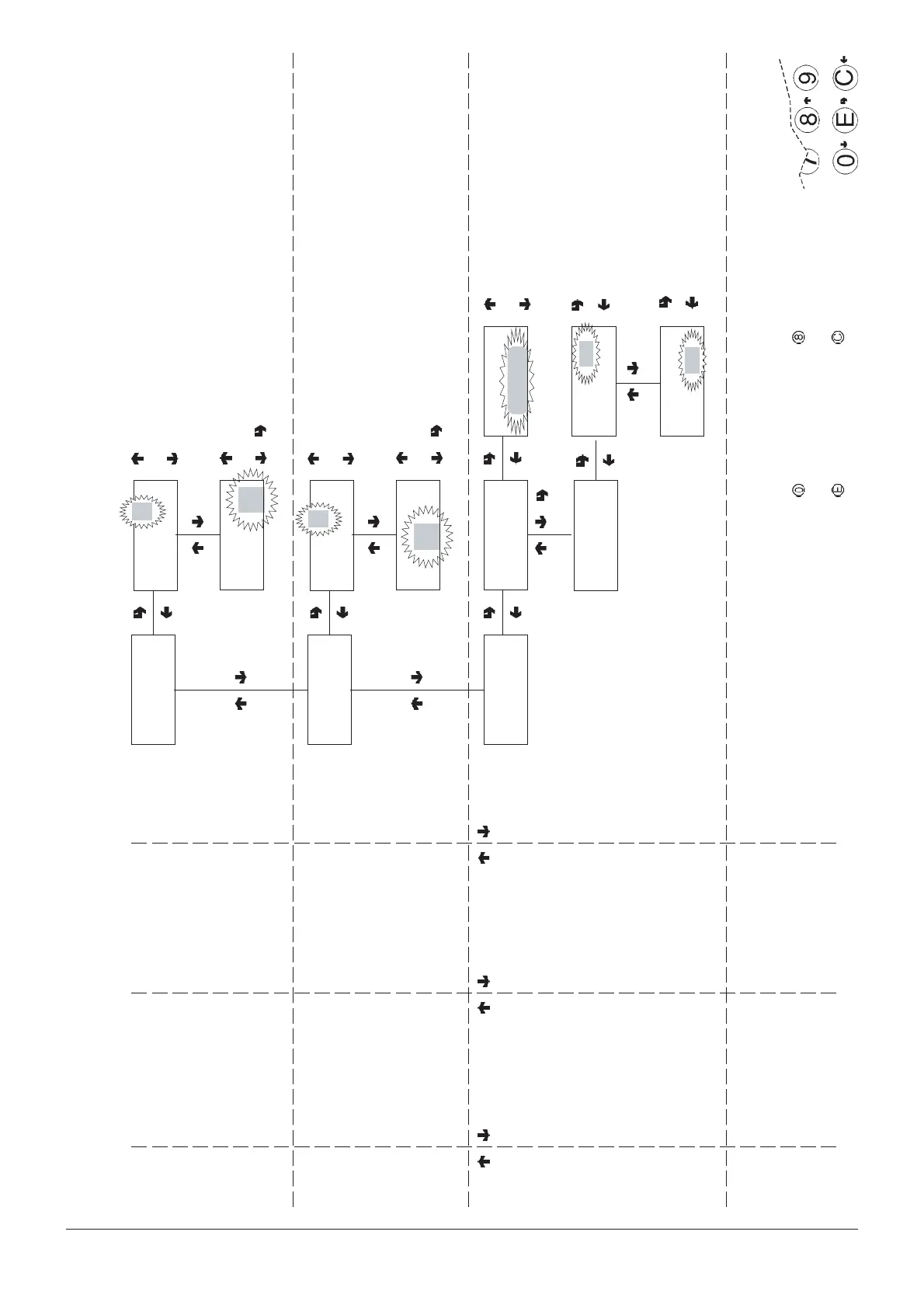
Technician menu - Summary
0404 211 - 02
CONFIRM DATA/
CONFIRM FUNCTION
DELETE DATA/
EXIT FUNCTION
PREVIOUS FUNCTION/
DECREASE DATA UNIT (-1)
NEXT FUNCTION/
INCREASE DATA UNIT (+1)
TECH> 2.2.1.6
Product code
#
Selection nn
Code: ###
Selection
Code: ####
nn
Selections 10 to 69
TECH >2.2.1.7
Direct selections
TECH >2.2.1.7.1
Enable dir. sel.
TECH >2.2.1.7.2
Set dir. sel.
ON/OFF
Enable dir. sel.
#
Dir. sel. N. 1
Sel. ##+
##
Dir. sel. N.
= sel. num ##
Direct selections
1 to 5
Minimum and maximum number
of selections corresponding to
the direct selection (10 to 79)
TECH> 2.2.1.5
Rotation selection
##
Selection from
## to
Group N.
ON/OFF : ####
n
Groups 1 to 6
Minimum and maximum number
of selections corresponding to
the group of rotation selections



 To Next Page