Using a Nectar Pacer MIDI Foot Controller with a Korg Pa2X
Connect the USB 2.0 cable from the Pacer to your Computer.
The device driver will load automatically.
Turn on the Power Switch on the Pacer.
Initial Preset = A1
All the LED Lights will turn on.
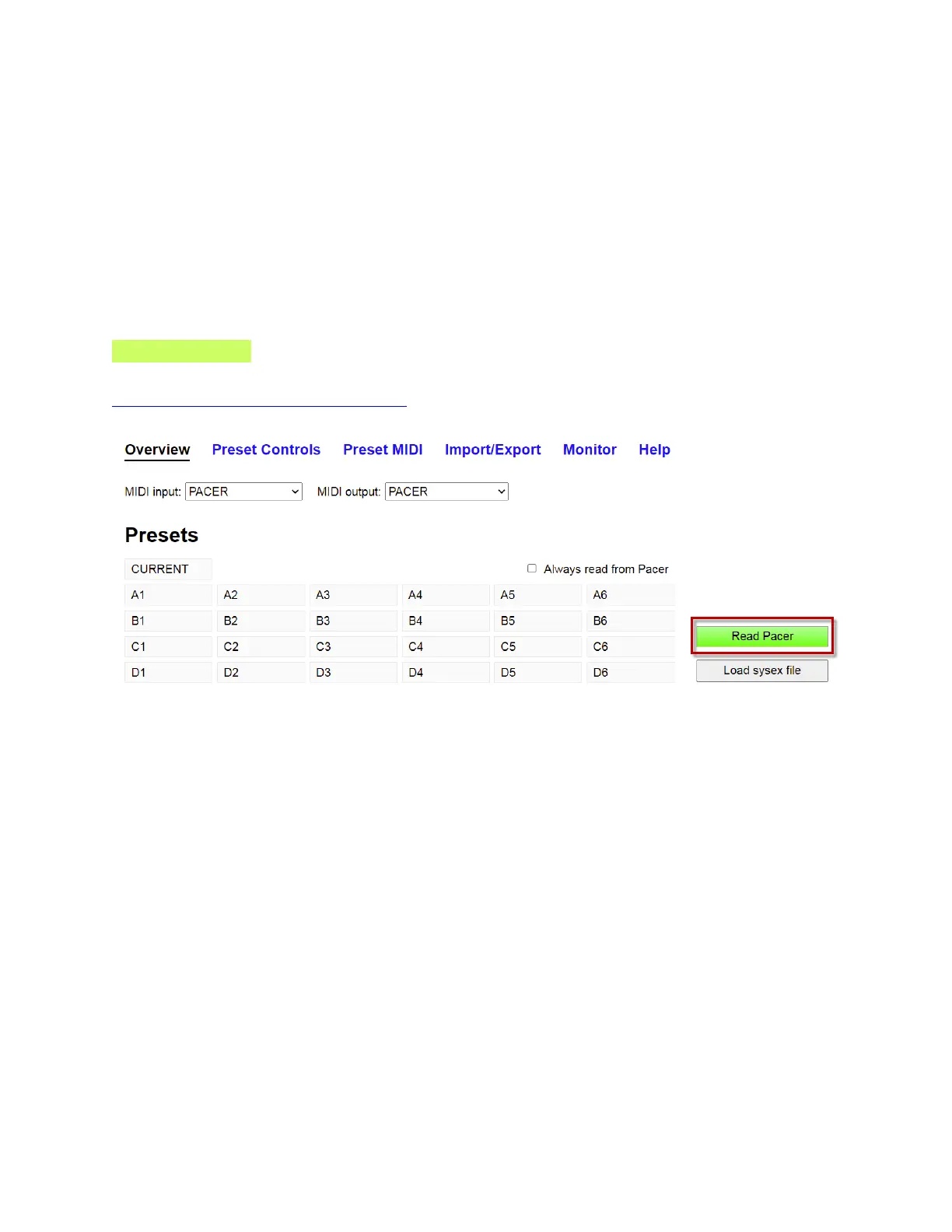
Launch the Online Editor:
Must use CHROME
https://studiocode.dev/pacer-editor/#/
Click Read Pacer to load all the 24 Factory Presets into the online Editor.


 To Next Page