9
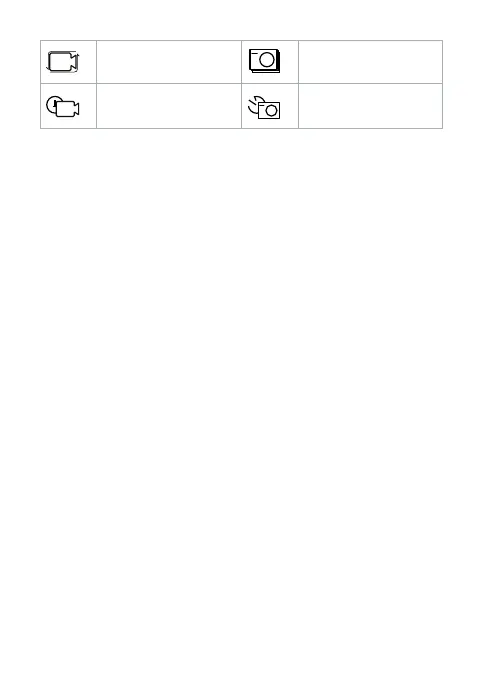
Loop Burst
Time lapse Timer
Record pictures and video images
In video mode, press the OK button A
2
to start or stop recording a video.
4
The Status indicator LED A
7
ashes during a recording.
In picture mode, press the OK button A
2
to take a picture.
4
Press and hold the down button A
q
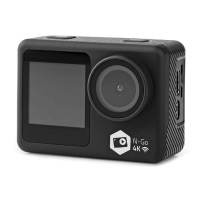
to switch between the front
display A
4
and back display A
5
.
View pictures and video images
In playback mode, press the up button A
9
or down button A
q
to go to the
next or previous picture or video.
Press the OK button A
2
to play and stop videos.
Transfer les to an external device
Connect the product to your device with the USB-C cable A
p
. Transfer the les
you want to save to your device.
Alternatively, remove the microSD card from the microSD card slot A
r
and
insert the microSD card into a card reader that is connected to your device.
Use with XDV-PRO App
Use the XDV-PRO App on your mobile device to review images and videos,
transfer them to your mobile device, take pictures, record video.
4
The app works best with iPhone IOS 7 or Android 4.1 and up.
1. Switch on the product.
2. Press the up button A
9
to display the Wi-Fi information.
3. Install and open the XDV-PRO App.
4. Select Wi-Fi network ACAM71BK-XXXX.
5. Enter the password 1234567890 to connect.



 To Next Page