6
• Do not locate the product immediately below a power outlet.
• This product may only be serviced by a qualied technician for maintenance
to reduce the risk of electric shock.
• Before cleaning and maintenance, switch o the product and disconnect the
power.
Switching on the product
1. Connect the product to a power outlet.
2. Turn the power selector A
1
to the desired fan speed to switch on the
product.
3. Turn A
1
to "0" to switch o the product.
4
When A
1
is turned to one of the oscillation settings A
2
, the fan oscillates
on the fan base A
5
.
c
Kurzanleitung
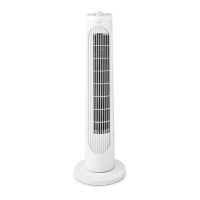
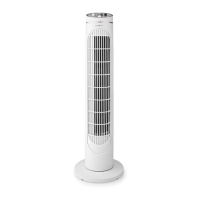
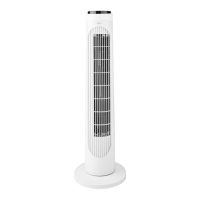
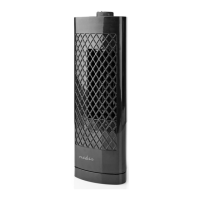
Turm-Tischventilator FNDK2BK30
FNDK2WT30
Weitere Informationen nden Sie in
der erweiterten Anleitung online:
ned.is/fndk2bk30 | ned.is/fndk2wt30
Bestimmungsgemäße Verwendung
Dieses Produkt ist nur zur Verwendung als Ventilator gedacht.
Das Produkt ist nur zur Verwendung innerhalb von Gebäuden gedacht.
Dieses Produkt ist nur für den Hausgebrauch bestimmt. Dieses Produkt ist nicht
gedacht für: Geschäfte, Beleuchtungsindustrie oder Bauernhöfen.
Jegliche Modikation des Produkts kann Folgen für die Sicherheit, Garantie und
ordnungsgemäße Funktionalität haben.
Spezikationen
Produkt Turm-Tischventilator
Artikelnummer FNDK2BK30 | FNDK2WT30
FNDK2xx30_MAN_COMP_1119_print_(19781 1422)v0.2.indd 6 10-12-2019 15:36:07




 To Next Page