Need help?
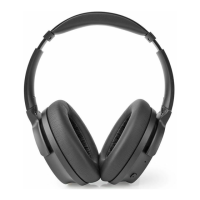
Do you have a question about the nedis FSHP150AT and is the answer not in the manual?
Connect USB cable to charge headphones. LED indicator shows charging status.
Press and hold the power button for 3 seconds to turn headphones on or off.
Enable Bluetooth on your device and select 'FSHP150' to pair headphones.
Press buttons to adjust volume, play/pause, and skip tracks.
Answer, reject, end, or redial calls using headphone controls.
 General
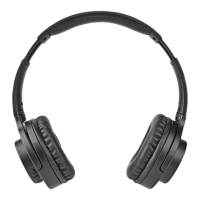
| Type | Over-Ear |
|---|---|
| Connectivity | Wired |
| Frequency Response | 20 Hz - 20 kHz |
| Cable Length | 1.2 m |
| Driver Size | 40 mm |
| Microphone | Yes |
| Connector | 3.5mm |
| Foldable | Yes |
| Impedance | 32 Ω |

 To Next Page