8
y
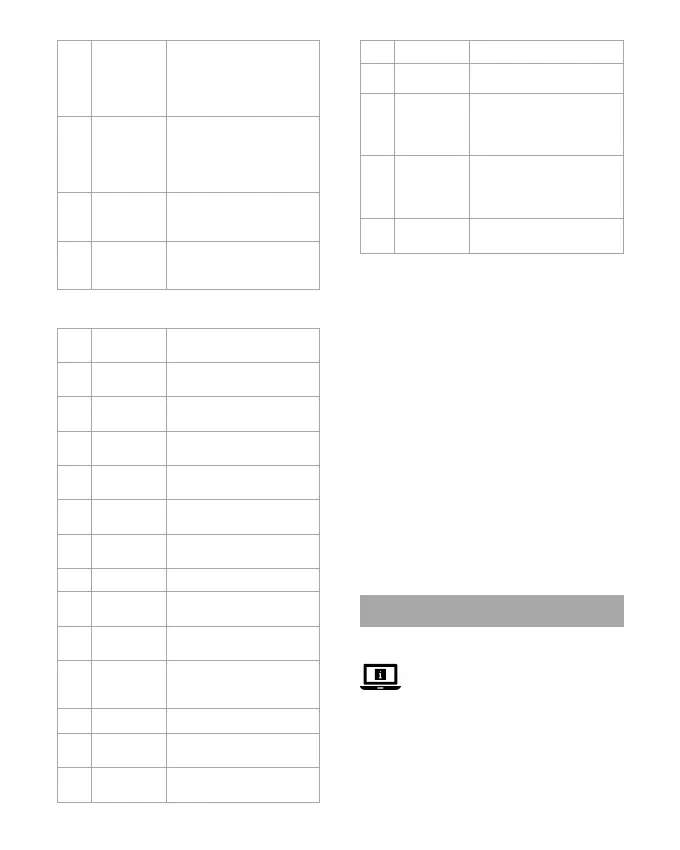
Stop button
u
Next button
i
Mode
button
Press to switch between:
Internet Radio / DAB+ / FM
/ AUX / Bluetooth® / UPnP
/ USB.
o
FAV button Press to show your presets.
Press and hold to add the
current channel to your
presets.
p
Volume up
button
Declaration of Conformity
We, Nedis B.V. declare as manufacturer that the
product RDIN2000WT from our brand Nedis
®
,
produced in China, has been tested according to all
relevant CE standards and regulations and that all
tests have been passed successfully. This includes,
but is not limited to the RED 2014/53/EU regulation.
The complete Declaration of Conformity (and the
safety datasheet if applicable) can be found and
downloaded via: nedis.com/rdin2000wt#support
For additional information regarding the
compliance, contact the customer service:
Web: www.nedis.com
E-mail: service@nedis.com
Nedis B.V., de Tweeling 28
5215 MC ’s-Hertogenbosch, the Netherlands
c
Kurzanleitung
Internetradio RDIN2000WT
Weitere Informationen nden Sie in
der erweiterten Anleitung online:
ned.is/rdin2000wt
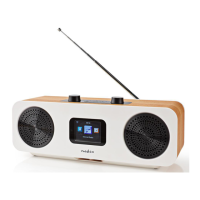
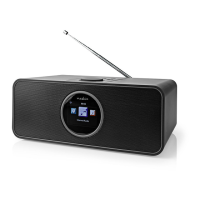
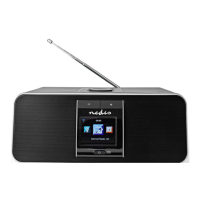
Bestimmungsgemäße Verwendung
Das Nedis RDIN2000WT ist ein
Multifunktions-Internetradio.
Das Produkt ist nur zur Verwendung innerhalb von
7
Menu
button
Press to enter: AUX /
Bluetooth® / Conguration
/ Local Radio / Internet
Radio / Media Centrum / FM
/ DAB+.
8
Preset
button
Press to enter the interface
of the current station.
Press and hold to enter the
interface of the pre-stored
station.
9
Navigation
dial
Rotate to cycle through the
items on the display.
Press to conrm.
q
Next button Press to move right/down or
return on the display or go
forward.
Using the remote (image C)
1
Power
button
2
Sleep
button
Press to set sleep time.
3
Alarm
button
Press to enter alarm
settings.
4
Play / pause
button
5
Previous
button
6
Menu
button
7
Arrow
buttons
Navigation.
8
Enter button Conrm.
9
Local button Press to select local radio
mode.
q
Digit
buttons
Press to enter numerical
value.
w
Volume
down
button
e
Mute button
r
WPS button Press to enter network
settings.
t
Equalizer
button
Select the sound scenario.


 To Next Page