4
1. Install the cameras using the included drilling
template A
3
, plugs A
1
, and screws A
2
.
2. Plug the power cable A
e
into the DC connector
A
q
.
3. Connect A
e
to a power outlet.
Connecting the camera
1. Right-click to open the right-click menu .
2. Click Pair IP Camera.
3. Click Pair.
4. Press the pairing button A
w
for 5 seconds.
4
It takes approx. 1 minute before the camera is
connected to the product.
The camera view is visible on the monitor.
Disposal
The product is designated for separate
collection at an appropriate collection
point. Do not dispose of the product
with household waste.
For more information, contact
the retailer or the local authority
responsible for the waste management.
Declaration of Conformity
We, Nedis B.V. declare as manufacturer that the
product SLNVRC01CWT from our brand Nedis®,
produced in China, has been tested according to all
relevant CE standards and regulations and that all
tests have been passed successfully. This includes,
but is not limited to the RED 2014/53/EU regulation.
The complete Declaration of Conformity (and the
safety datasheet if applicable) can be found and
downloaded via:
nedis.com/slnvrc01cwt#support
c
Kurzanleitung
a
Quick start guide
CCTV Security
Camera
SLNVRC01CWT
For more information see the extended
manual online: ned.is/slnvrc01cwt
Intended use
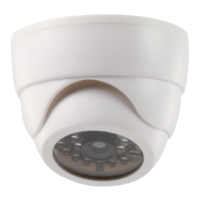
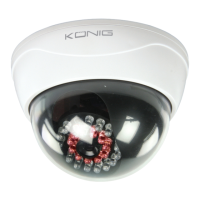
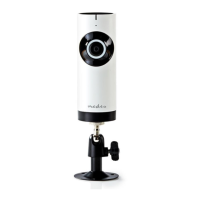
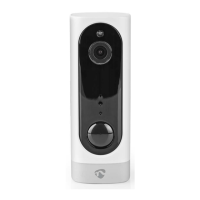
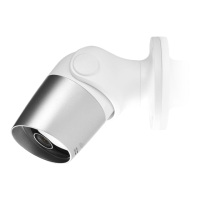
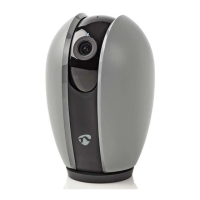
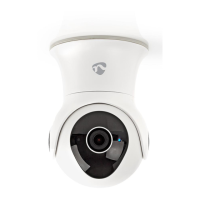
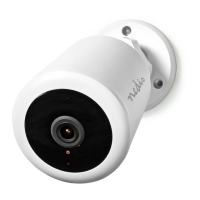
The Nedis SLNVRC01CWT is a CCTV security camera.
Any modication of the product may have
consequences for safety, warranty and proper
functioning.
Main parts (image A)
1 Plug (3x)
2 Screw (3x)
3 Drilling template
4 Bracket
5 Camera
6 Speaker
7 Microphone
8 Lens
9 Photosensitive
sensor
q DC connector
w Pairing button
e Power cable
Safety instructions
-
WARNING
• Ensure you have fully read and understood the
instructions in this document before you install
or use the product. Keep the packaging and this
document for future reference.
• Only use the product as described in this
document.
• Do not use the product if a part is damaged or
defective. Replace a damaged or defective
product immediately.
• Do not drop the product and avoid bumping.
• This product may only be serviced by a qualied
technician for maintenance to reduce the risk of
electric shock.
• Only use the provided power cable.
• Disconnect the product from the power source
and other equipment if problems occur.
• Do not unplug the product by pulling on the
cable. Always grasp the plug and pull.
Installing the security cameras
(image B)


 To Next Page