44
English
SPSB400BK
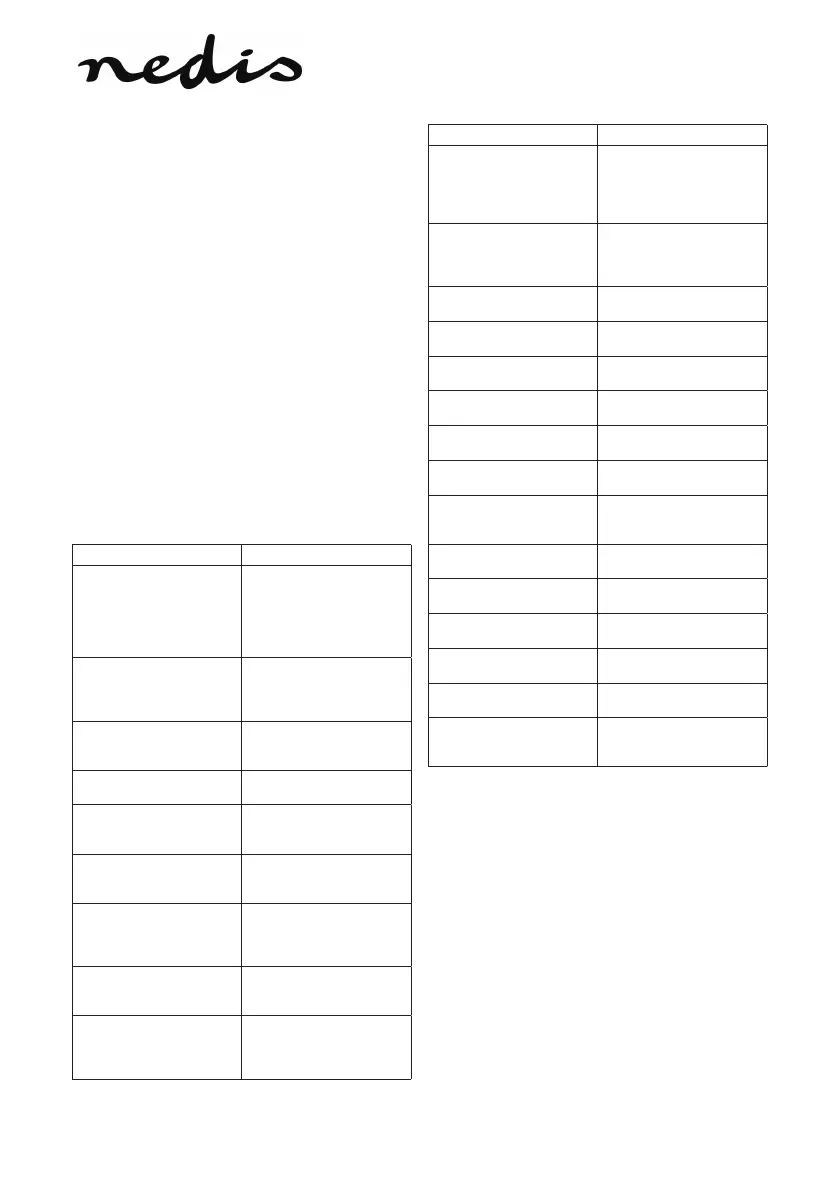
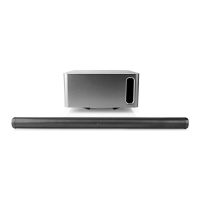
Soundbar
Package contents
1. Soundbar
2. Remote control (incl. AAA batteries)
3. Power adapter
4. Power cable (EU)
5. Power cable (UK)
6. AUX cable
7. RCA cable
8. Optical SPDIF cable
9. Wall mount
10. Wall screws (3x) / Wall plugs (3x)
11. Screws (wall mount / soundbar) (2x)
Description (g. A)
The soundbar is a device with multiple built-in
speakers that generates stereo sound from a single
cabinet, dramatically improving the sound quality
without requiring loads of wires.
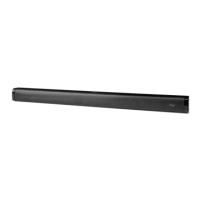
1. Soundbar
2. On/o switch
• To switch on the device, set
the on/o switch to the on
position.
• To switch o the device, set
the on/o switch to the o
position.
3. DC input
• Connect the power adapter
to the DC input.
• Connect the mains cable to
the mains.
4. Audio input
• Connect an audio cable or
an AV cable to the audio
input.
5. Coaxial input
• Connect a coaxial cable to
the coaxial input.
6. Optical digital audio input
• Connect an optical digital
audio cable to the optical
digital audio input.
7. Power indicator
• The indicator comes on
when the device is switched
on.
8. Audio input indicator
• The indicator comes on
when an audio cable or an
AV cable is used between
devices.
9. Coaxial input indicator
• The indicator comes on
when a coaxial cable is used
between devices.
10. Optical digital audio input
indicator
• The indicator comes on
when an optical digital
audio cable is used
between devices.
11. Remote control
12. On/standby button
• Press the button to switch
on the device.
• Press the button again to
set the device to standby
mode.
13. Mute button
• Press the button to mute
the sound.
• Press the button again to
unmute the sound.
14. Volume + button
• Press the button to increase
the volume.
15. Volume - button
• Press the button to
decrease the volume.
16. Treble + button
• Press the button to increase
the treble.
17. Treble - button
• Press the button to
decrease the treble.
18. Bass + button
• Press the button to increase
the bass.
19. Bass - button
• Press the button to
decrease the bass.
20. Reset button
• Press the button to reset
treble and bass back to the
default setting.
21. Sound button: Music
• Press the button to set the
sound to music mode.
22. Sound button: Movie
• Press the button to set the
sound to movie mode.
23. Sound button: Night
• Press the button to set the
sound to night mode.
24. Source button: Audio input
• Press the button to set the
source to audio input.
25. Source button: Coaxial
input
• Press the button to set the
source to coaxial input.
26. Source button: Optical
digital audio input
• Press the button to set the
source to optical digital
audio input.
Installation (g. B & C)
• Refer to the illustrations to install the device
correctly.
NOTE: Remove connector protection caps from
bundled optical cable before usage.


 To Next Page